

Featured article
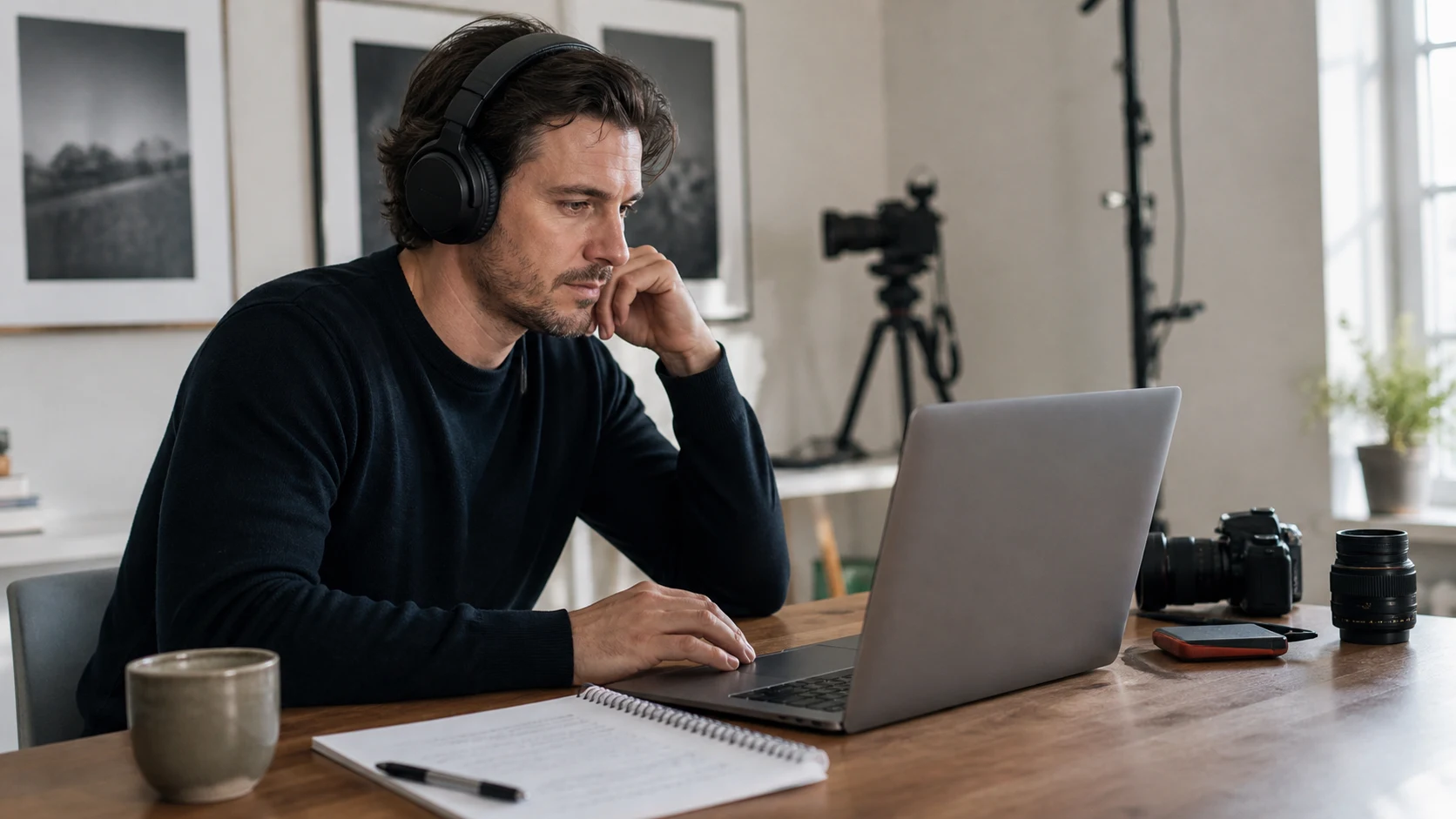
How to Edit a Talking-Head Video: A Practical Workflow
Edit a talking-head video with a practical workflow: select takes, build a clear cut, improve speech audio, add useful visuals, and review captions.
Read articleNotes from the studio
Product decisions, field tests and practical guidance for people who speak on camera.
Edit a talking-head video with a practical workflow: select takes, build a clear cut, improve speech audio, add useful visuals, and review captions.
Read article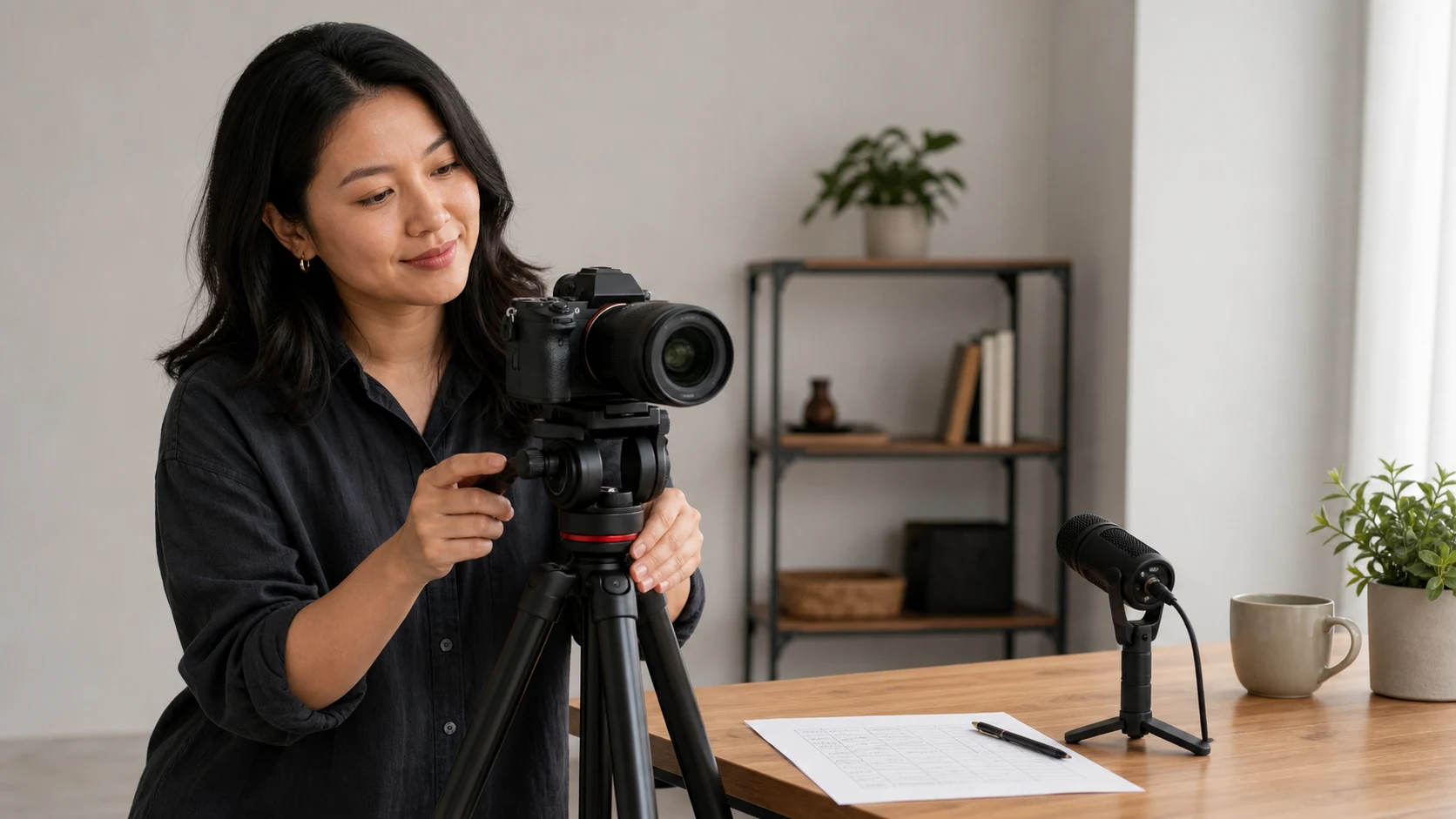
Plan a talking-head video with a practical checklist for audience, outcome, script, visuals, equipment, timing, and a technical test.
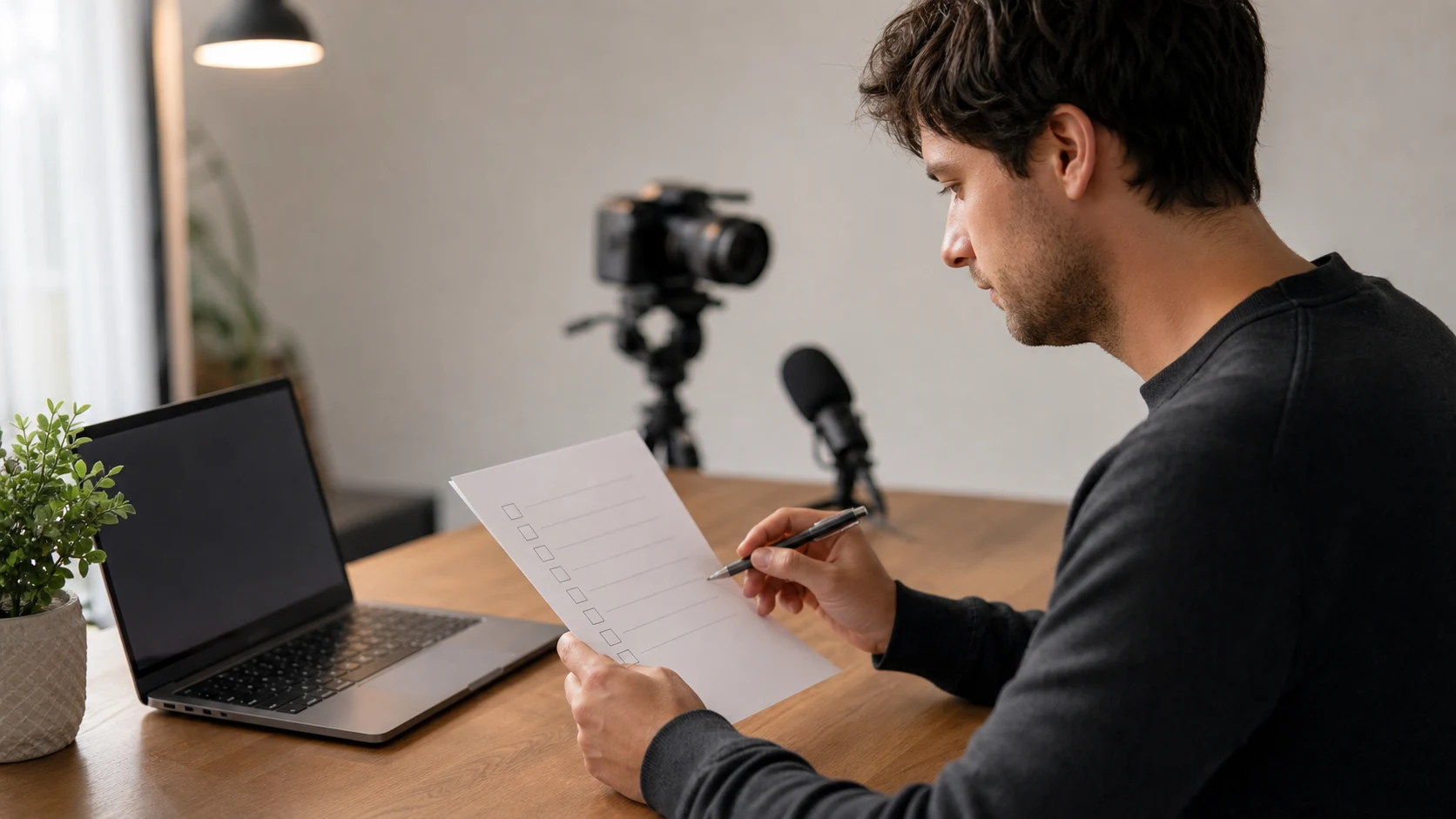
Publish a video with a practical checklist for destination requirements, export, captions, metadata, upload processing, and public-page review.

Start a meeting with a short opening that states the result, agenda, roles, participation method, decision rule, and first step without wasting time.
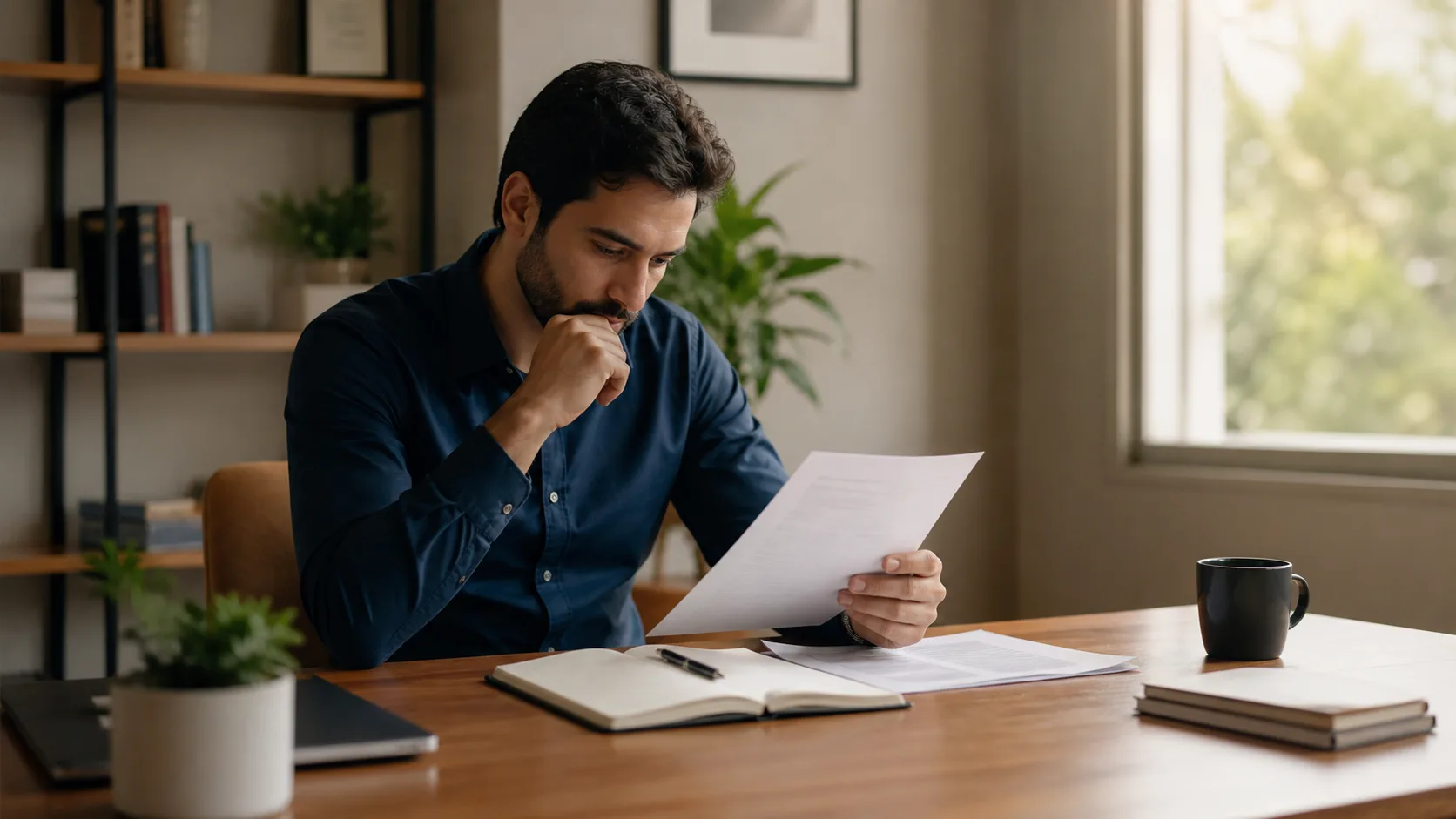
Browse practical interview and meeting preparation guides for job research, video setup, behavioral stories, agendas, participation, decisions, and follow-through.

Use a practical meeting agenda template with a purpose, item outcomes, process, owner, timebox, pre-work, decisions, and action items.

Questions to ask an interviewer about the role, success, manager, team, priorities, and hiring process—then choose what the conversation has not answered.

Use the STAR method for behavioral interview questions: select true examples, focus on your actions, show results accurately, and practice adaptable answers.
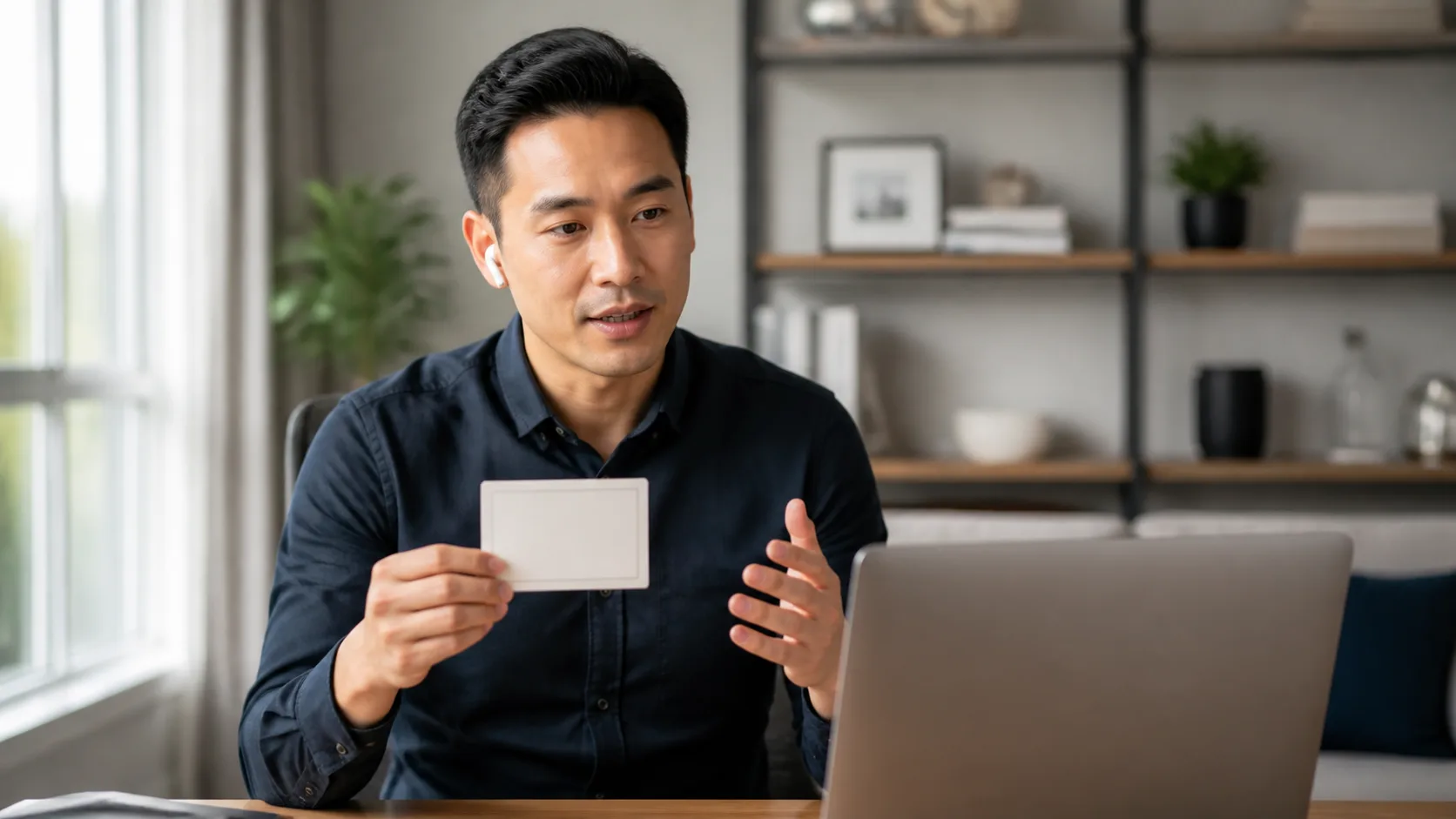
Answer ‘Tell me about yourself’ with a concise present-past-future introduction that connects your relevant experience to the job without sounding memorized.

End a presentation with one clear takeaway, a useful next step, and a deliberate final line. Use practical closing structures and examples.

Lead an effective meeting with a purpose-led agenda, inclusive participation, clear decisions, owned action items, and a useful written follow-up.

Prepare for a job interview: research the role, choose evidence, practice answers aloud, ask useful questions, and handle logistics.

Prepare for a work meeting as an attendee: understand the outcome, review the agenda and evidence, form a contribution, and confirm the practical details.

Start a presentation with a relevant hook, a clear audience promise, and a simple roadmap. Use the examples and checklist to write your opening.
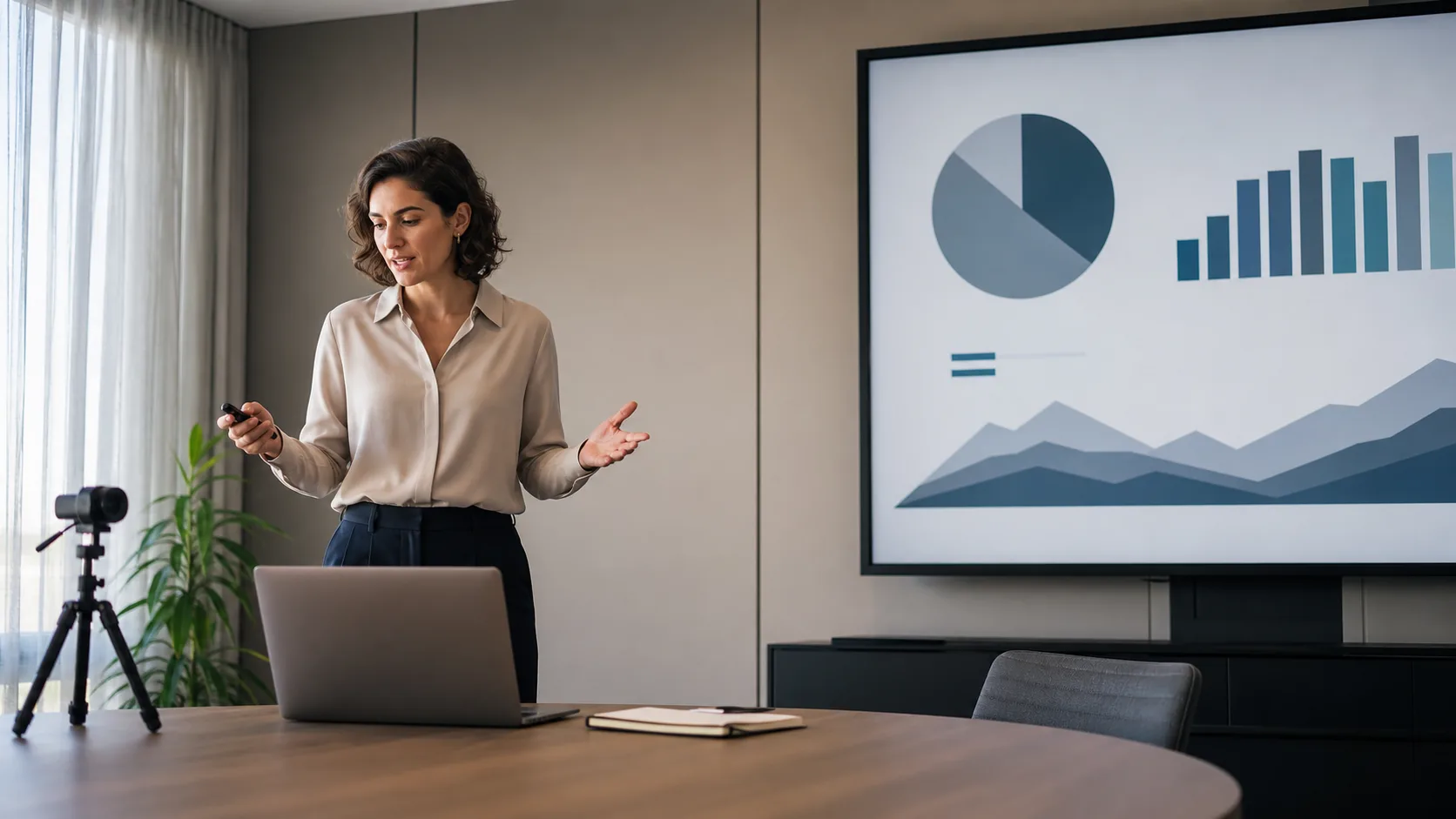
Rehearse a presentation with a focused checklist for timing, slides, transitions, delivery, questions, and technical backup—without over-practicing.
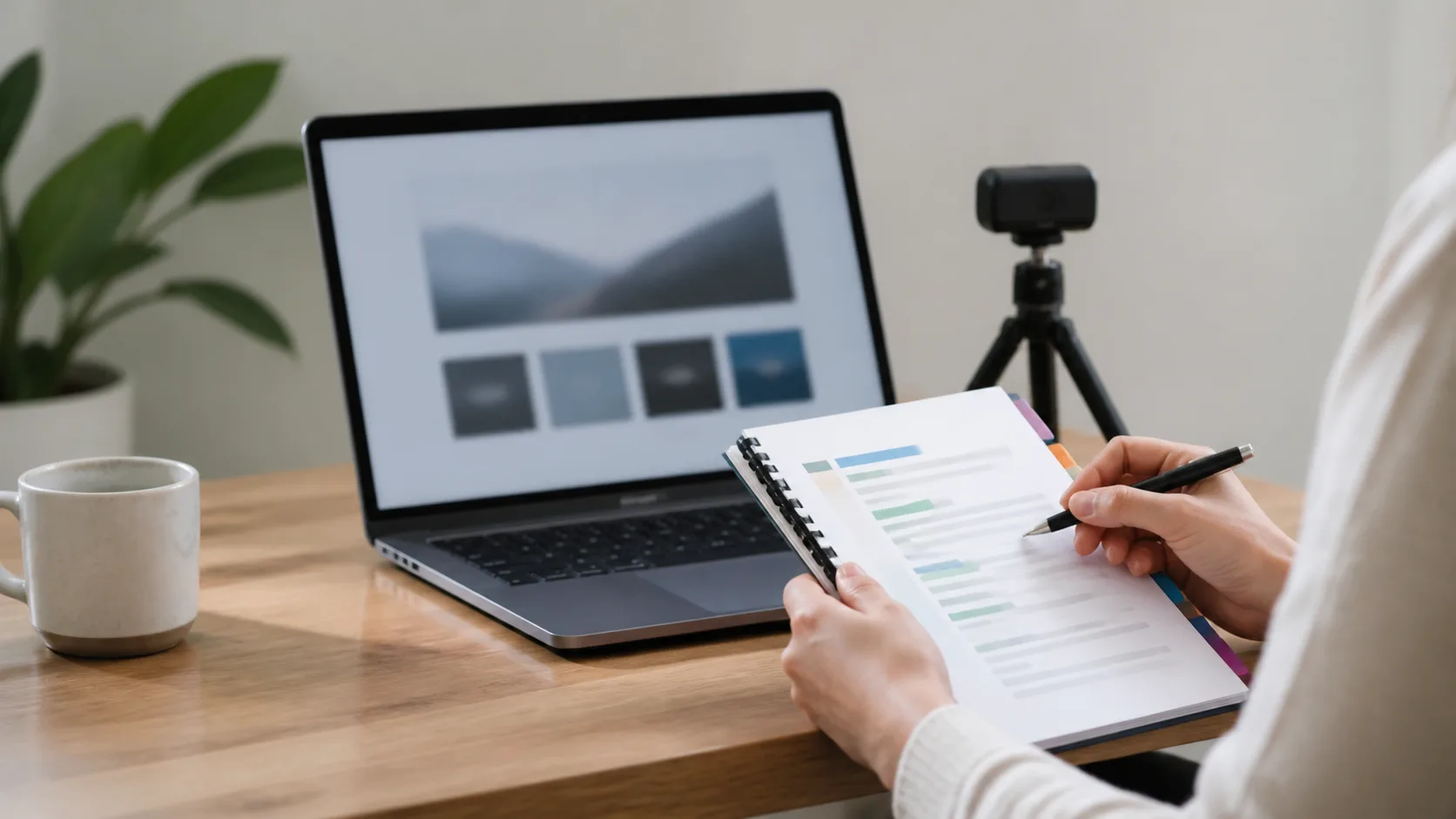
Use a practical presentation script template to plan an opening, slide narration, transitions, timing, and a clear close for a live or recorded talk.
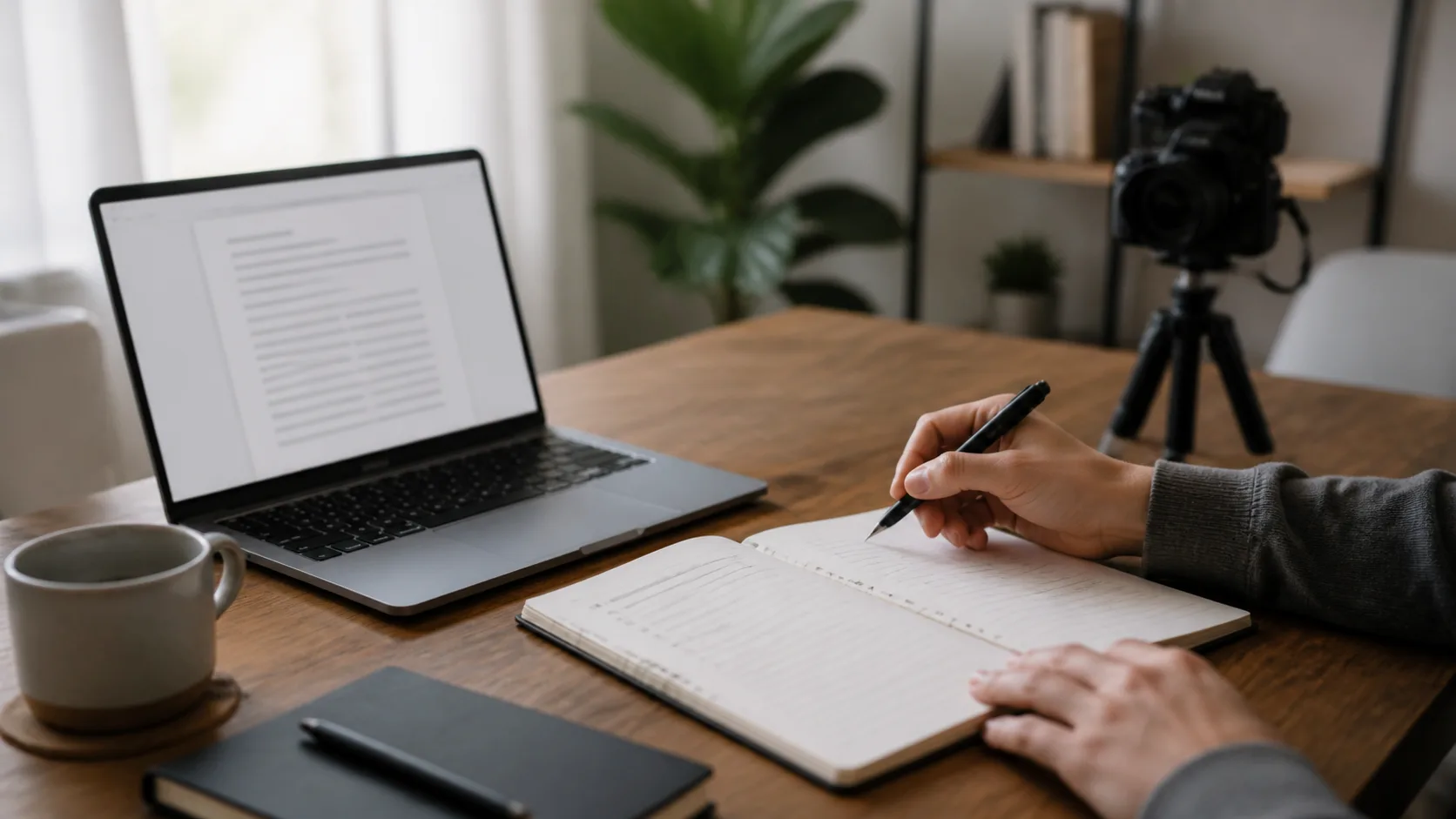
Write scripts people can follow the first time they hear them. Plan the audience and outcome, draft for the ear, rehearse aloud, and choose the right delivery format.
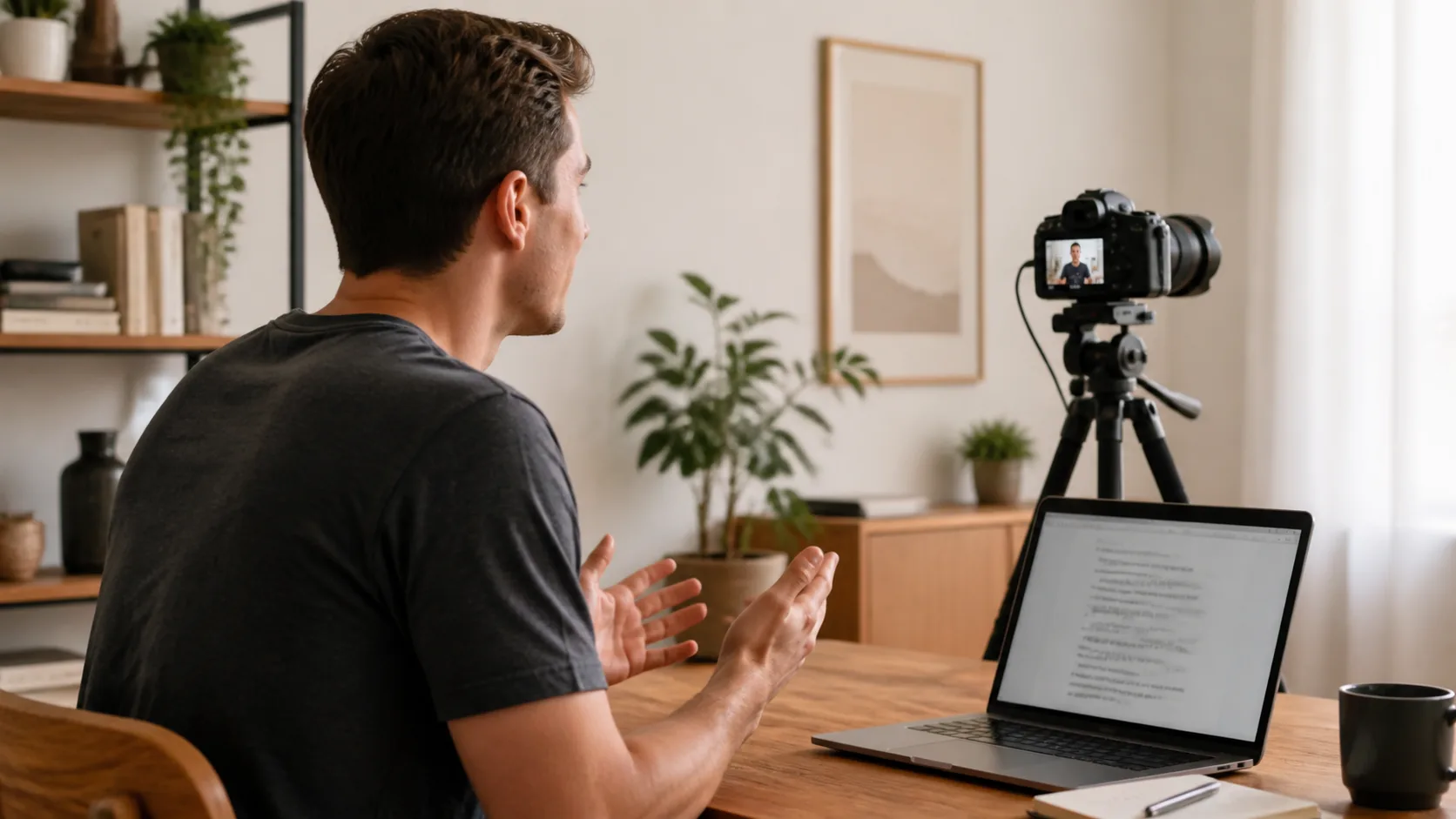
Copy a talking-head video script template for a clear hook, useful explanation, visual beats, and a specific close—then rehearse it for natural delivery.
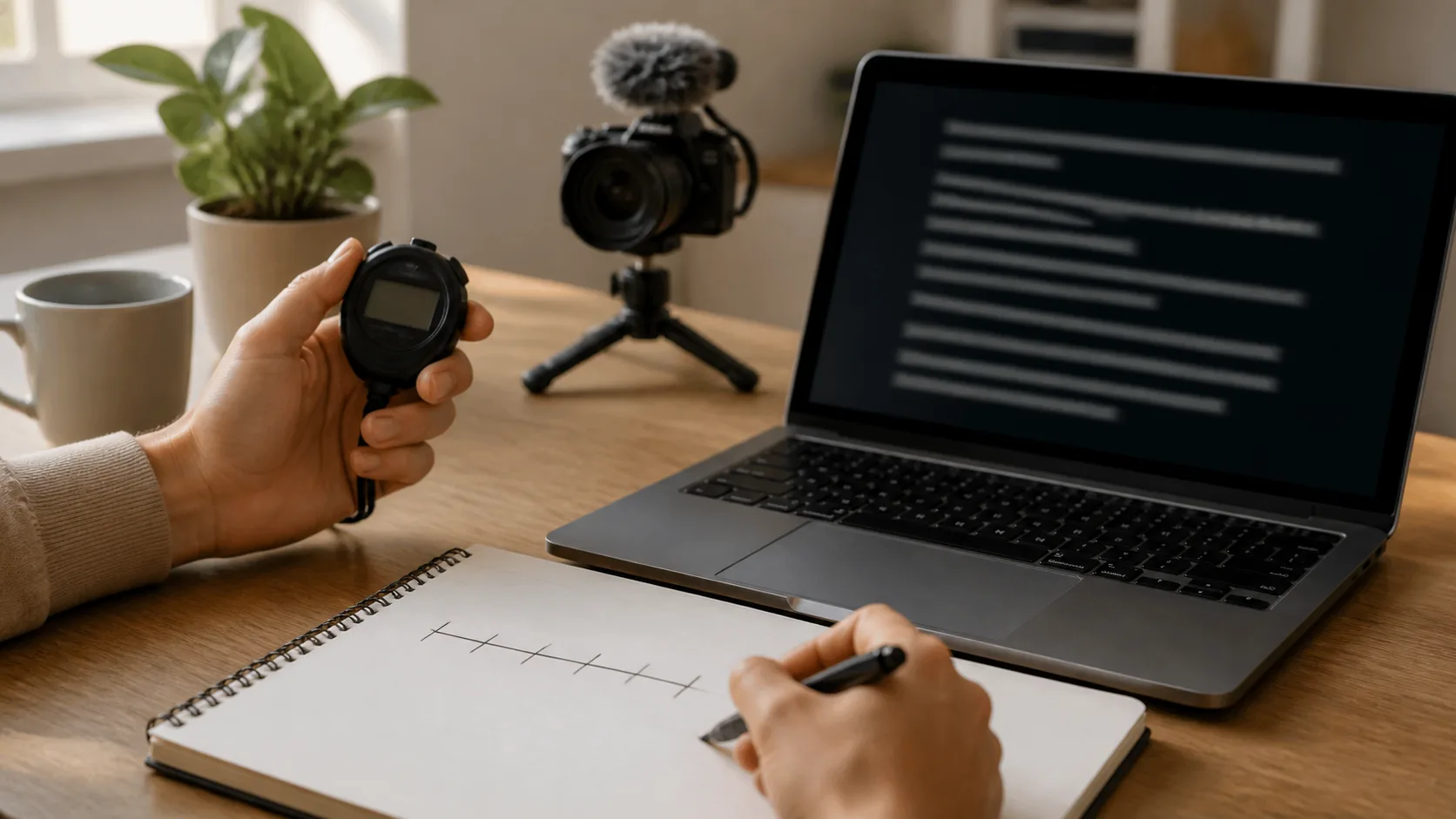
Calculate a teleprompter script word count from your own rehearsal pace. Plan pauses and visuals, then use the timing worksheet to fit your video length.
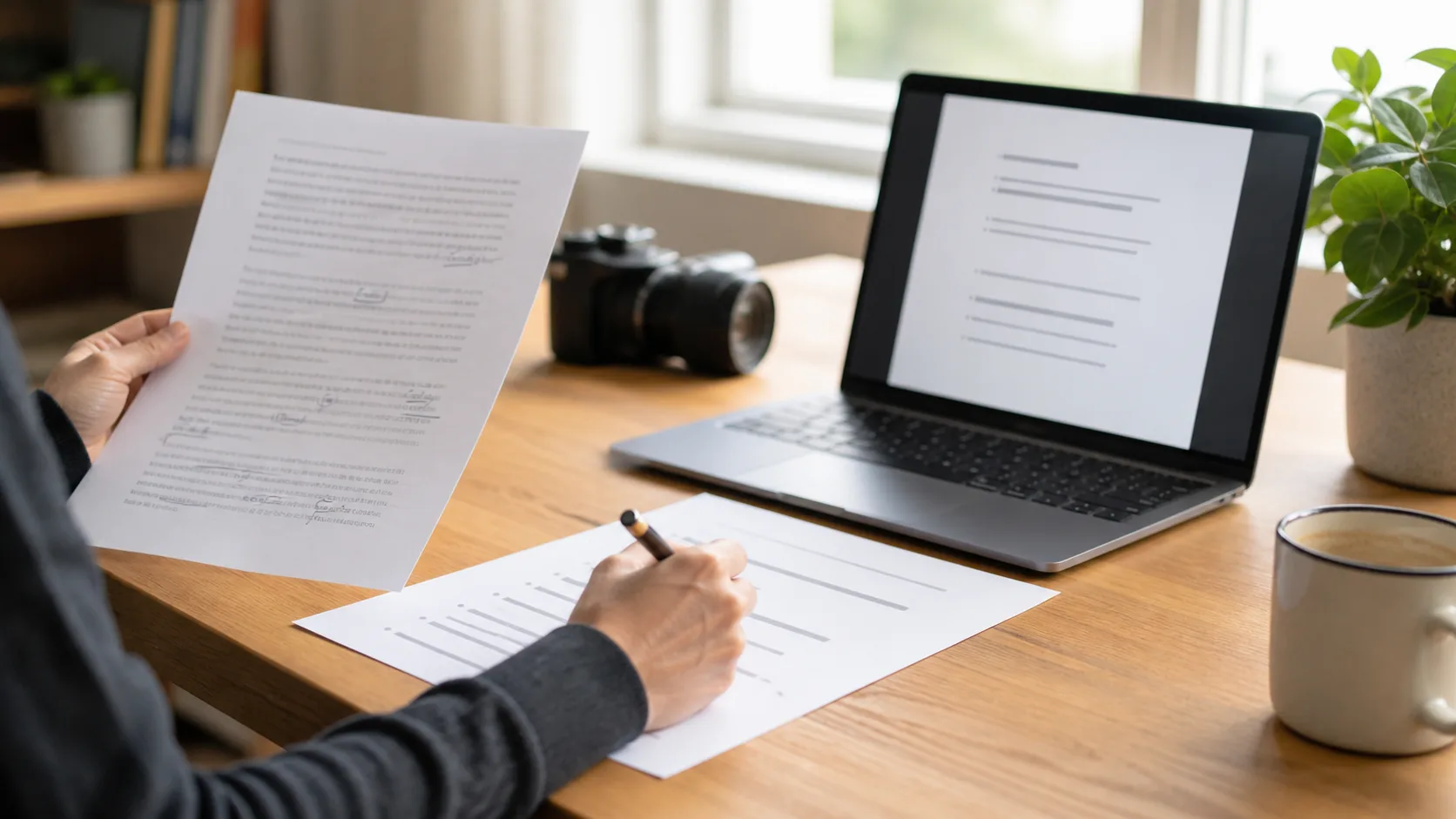
Turn an essay, article, or AI draft into a natural speaking script with a listener-first rewrite, spoken structure, fact check, and read-aloud test.

Use this video interview checklist to test audio, camera, lighting, connection, meeting controls, delivery, and a simple backup plan before you join.
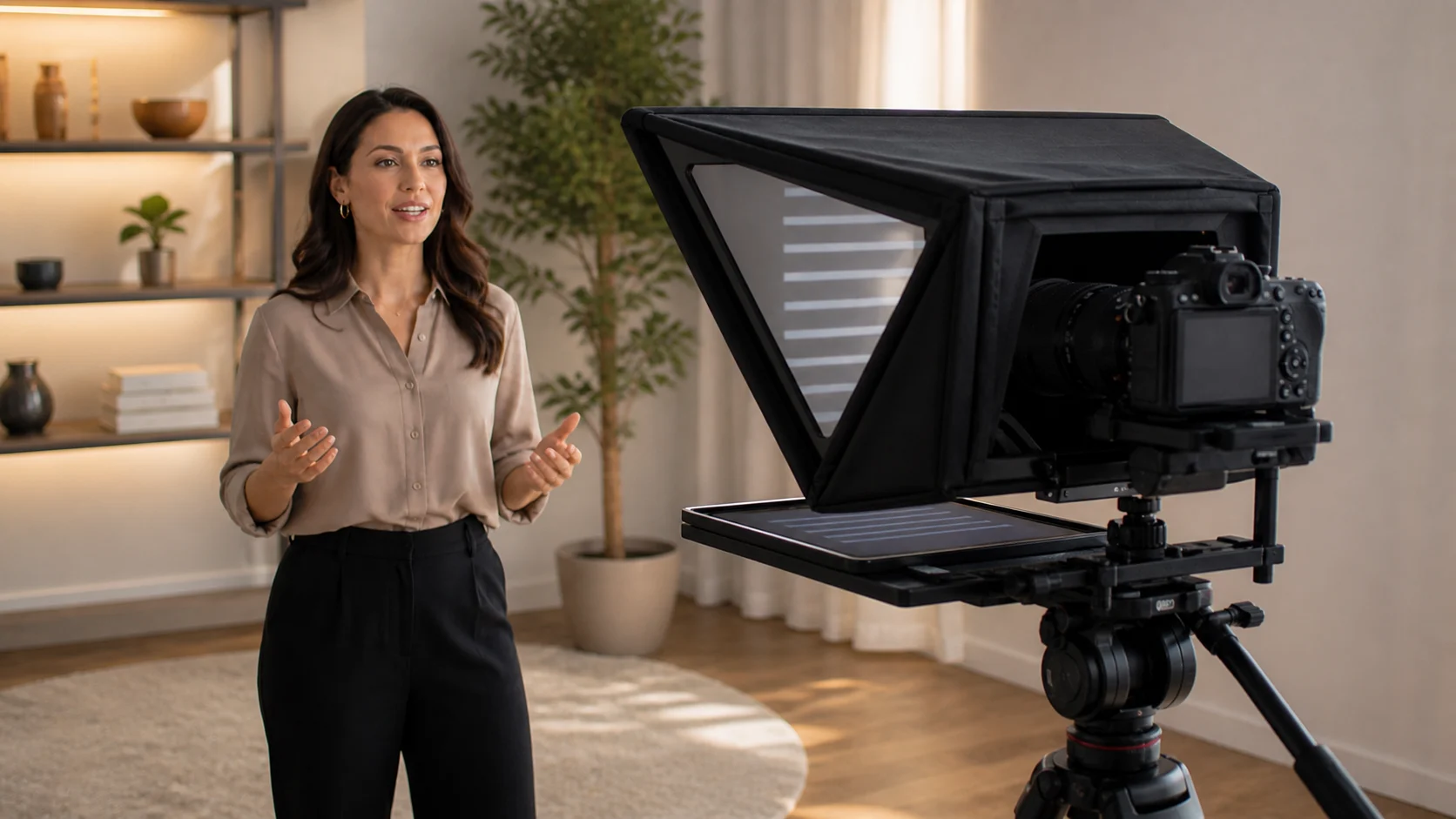
Look more natural on camera with a practical check of framing, posture, gestures, facial expression, movement, and short playback reviews.
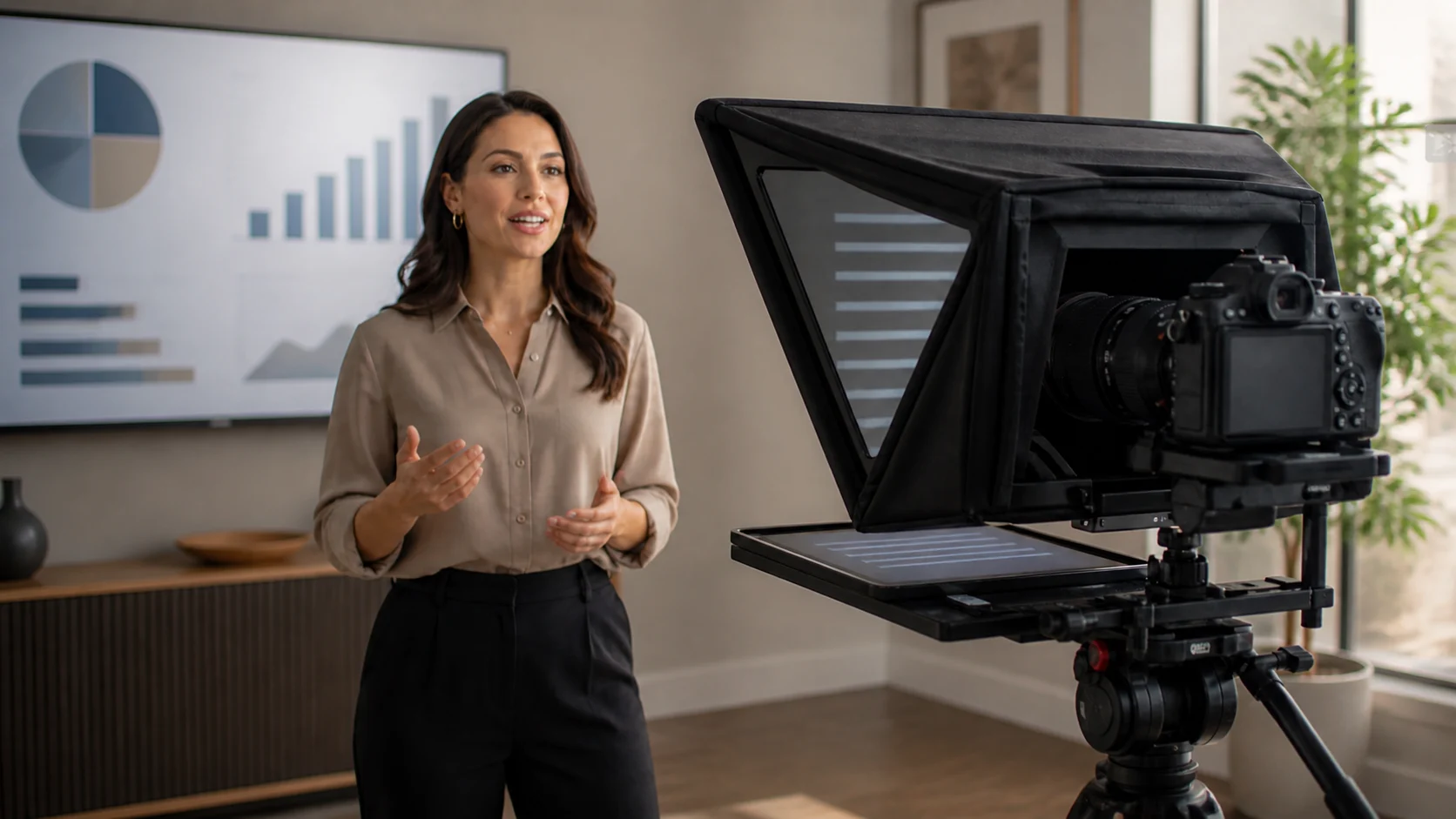
Make a clear pre-recorded video presentation with a practical workflow for audience, slides, notes, rehearsal, recording, captions, export, and upload.
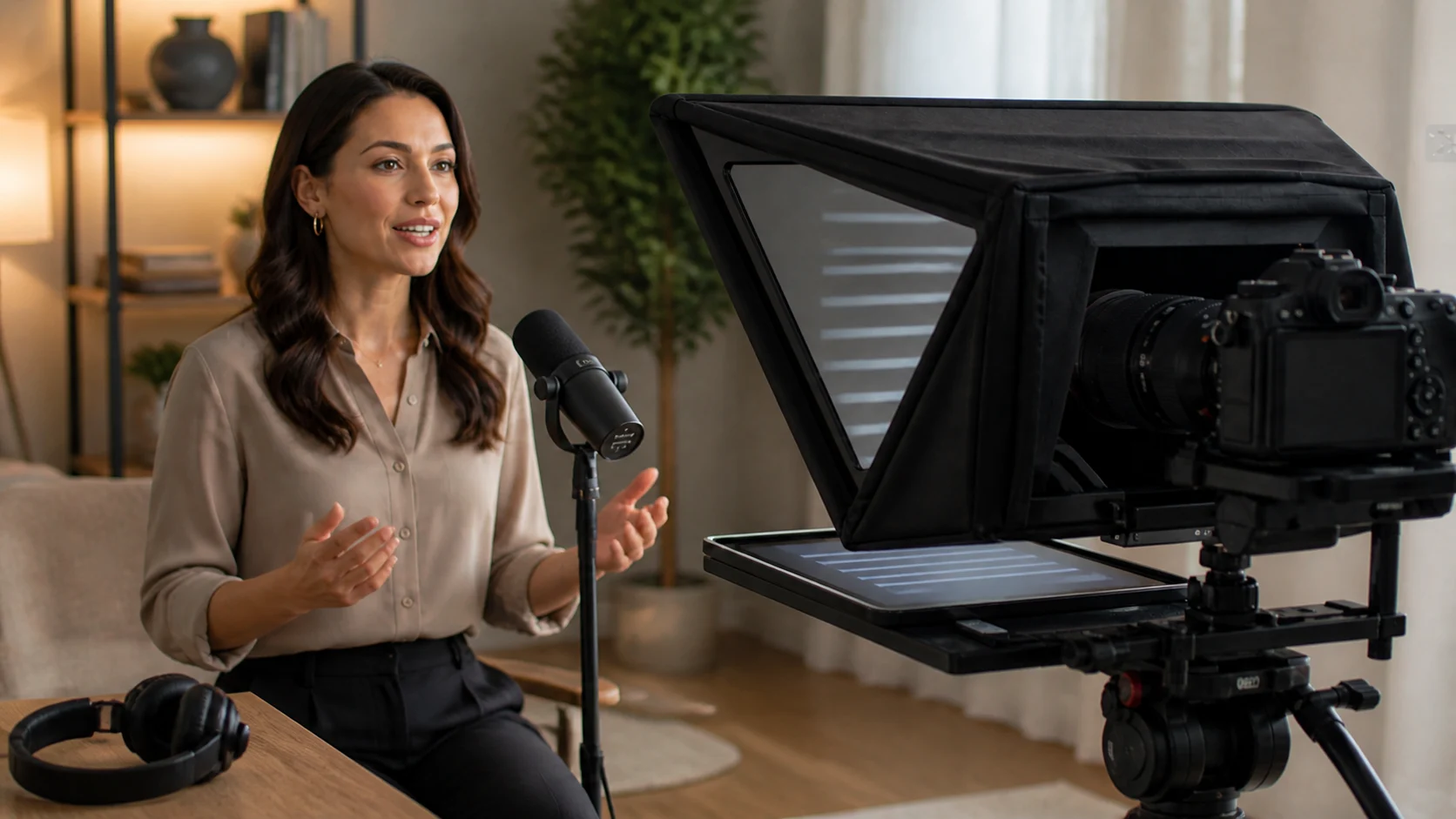
Sound more natural on camera by using conversational phrasing, meaningful pauses, varied pace, clear emphasis, breath, and a read-aloud test.
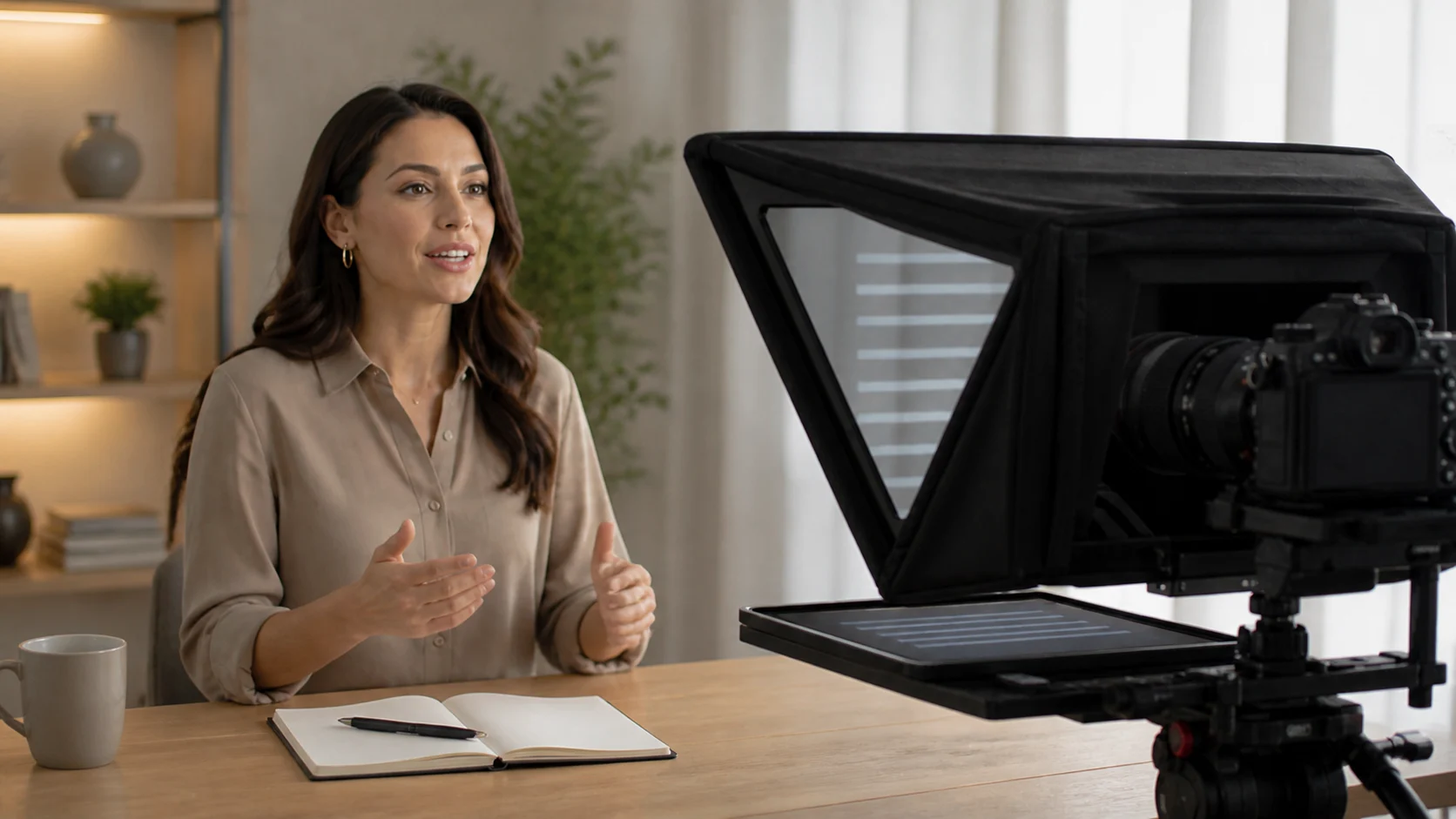
Build camera confidence in seven practical days with short recordings, focused reviews, and low-pressure retries that improve on-camera comfort.
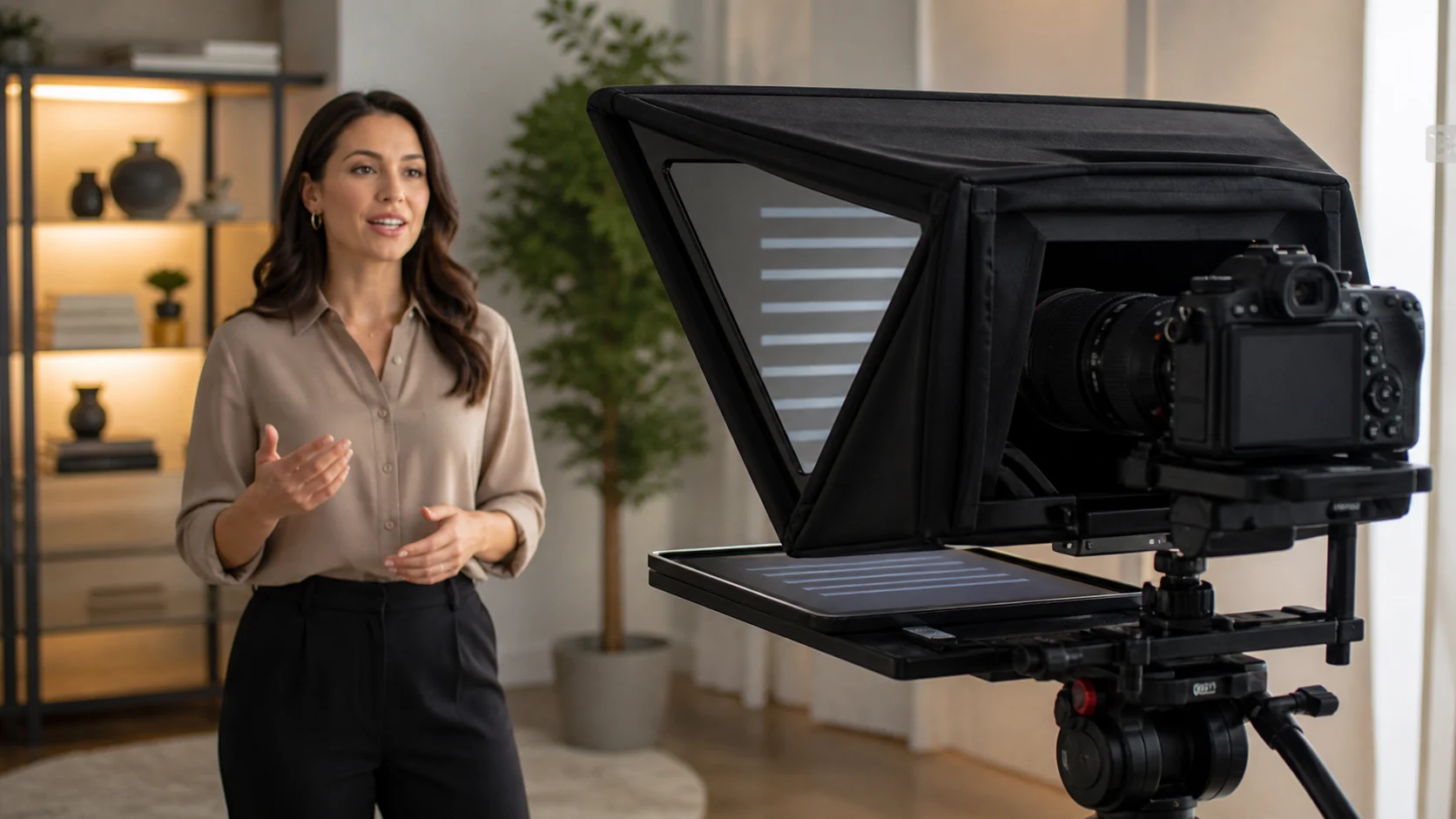
Learn a repeatable on-camera workflow for preparation, confidence, eye contact, body language, vocal delivery, rehearsal, and recording.
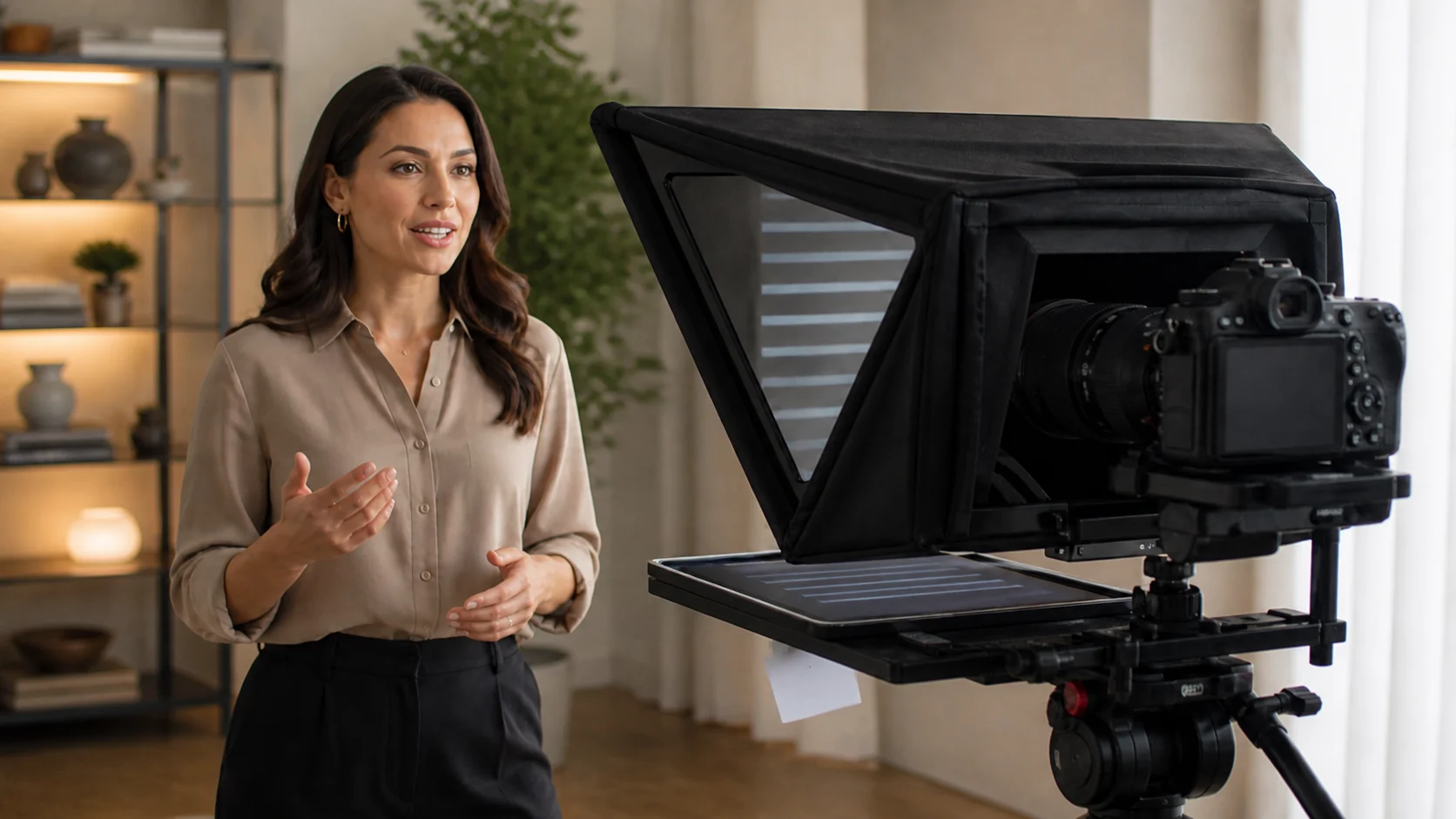
Learn where to look when talking to a camera for recordings, video calls, and interviews, with simple eye-line tests that feel natural.
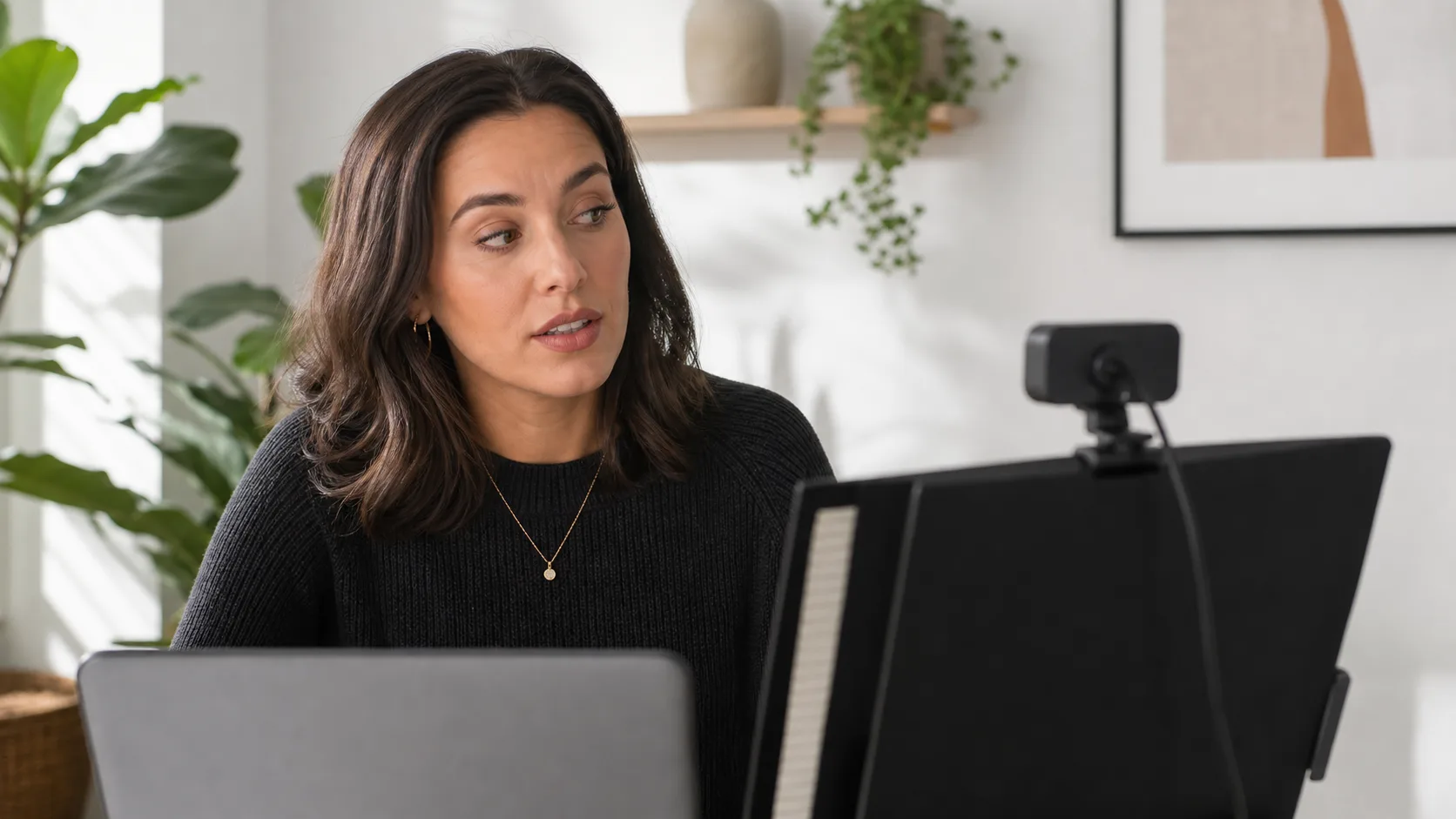
Fix common teleprompter mistakes, from eye line and text width to scrolling, scripts, and rehearsal, with practical tests for more natural videos.
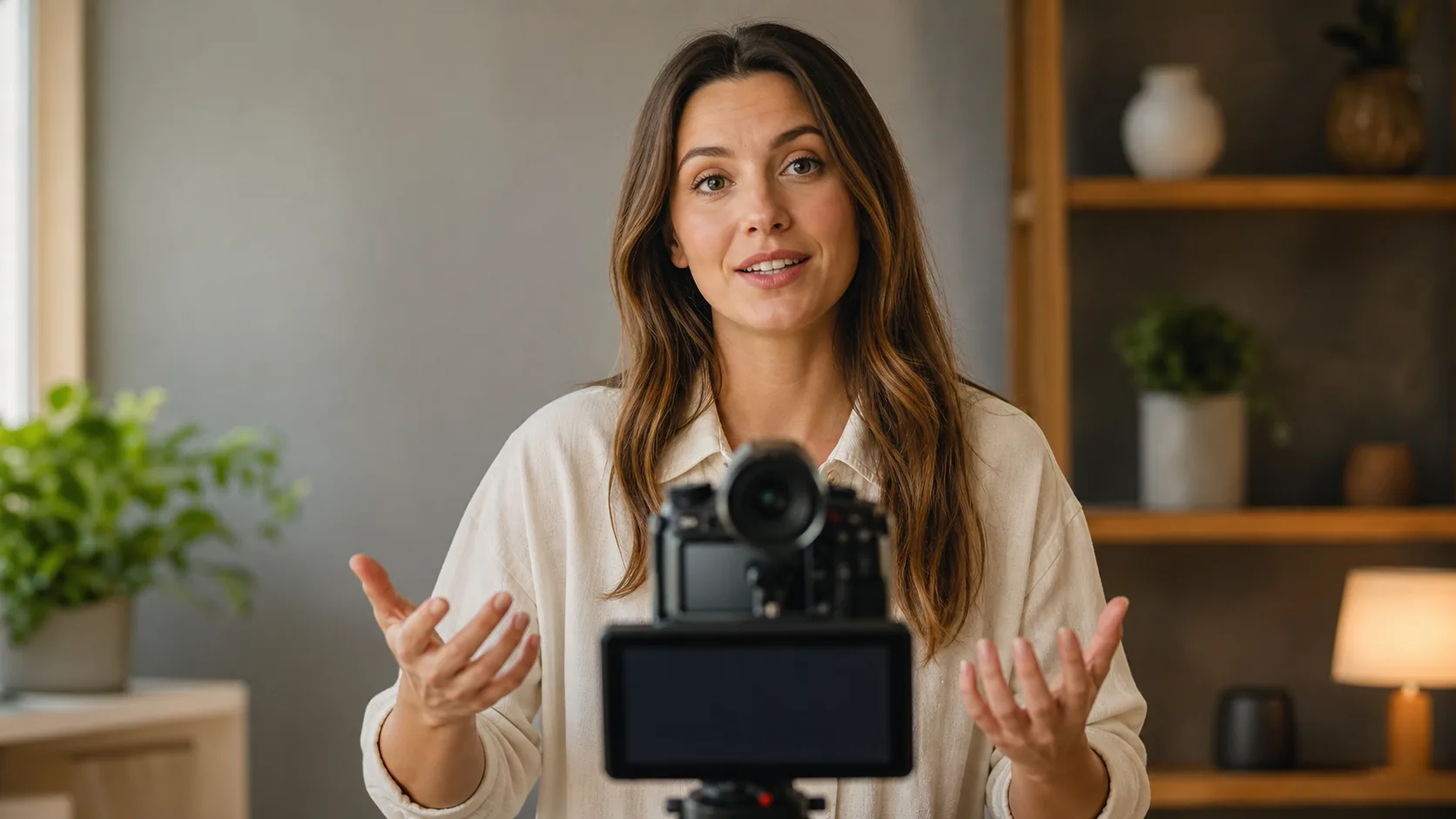
Learn how to read a teleprompter naturally with better script phrasing, eye line, text width, scrolling, and rehearsal for confident on-camera delivery.
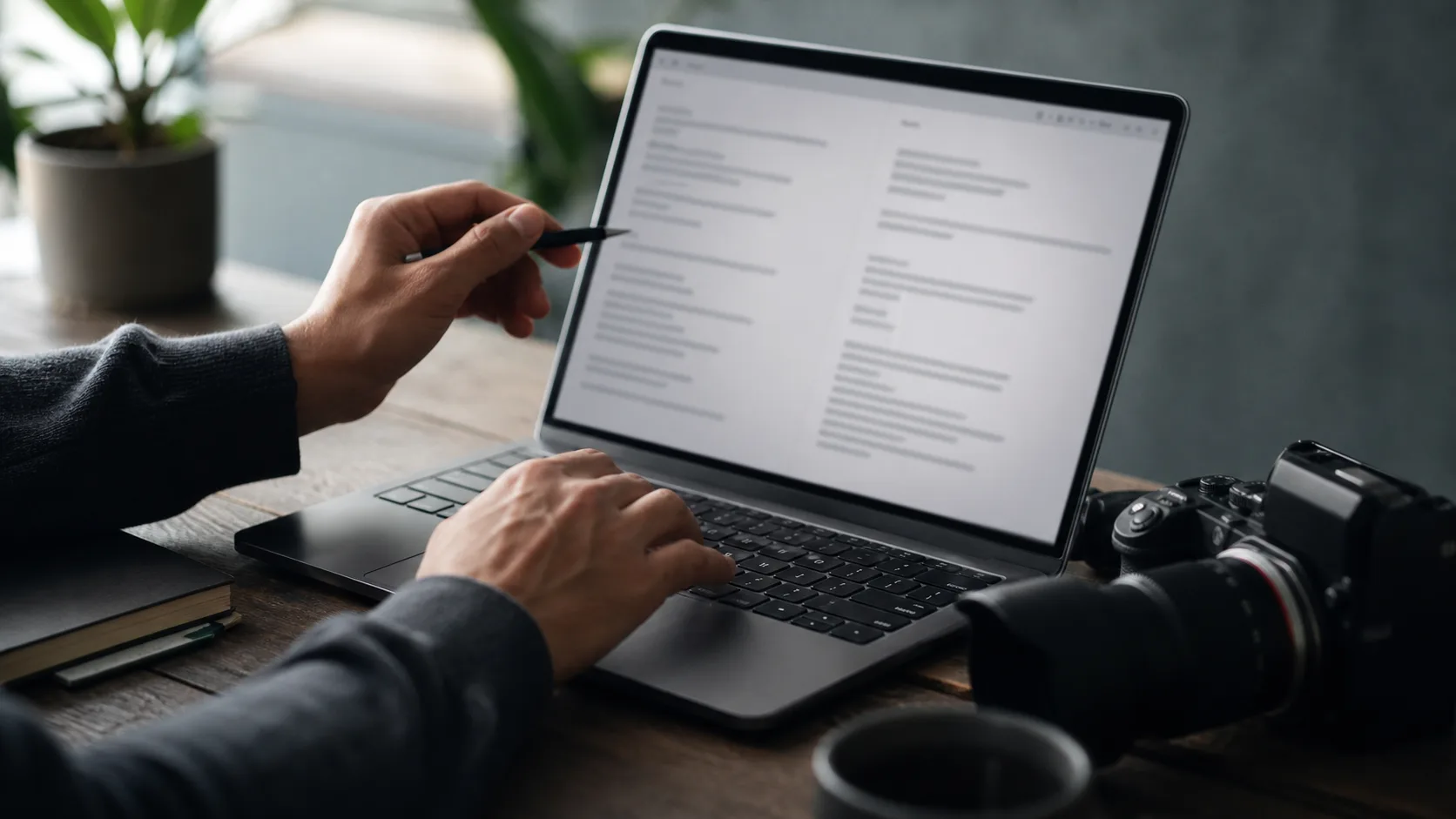
Write a teleprompter script that sounds natural: use conversational wording, short sentences, line breaks, pauses, and a read-aloud editing process.
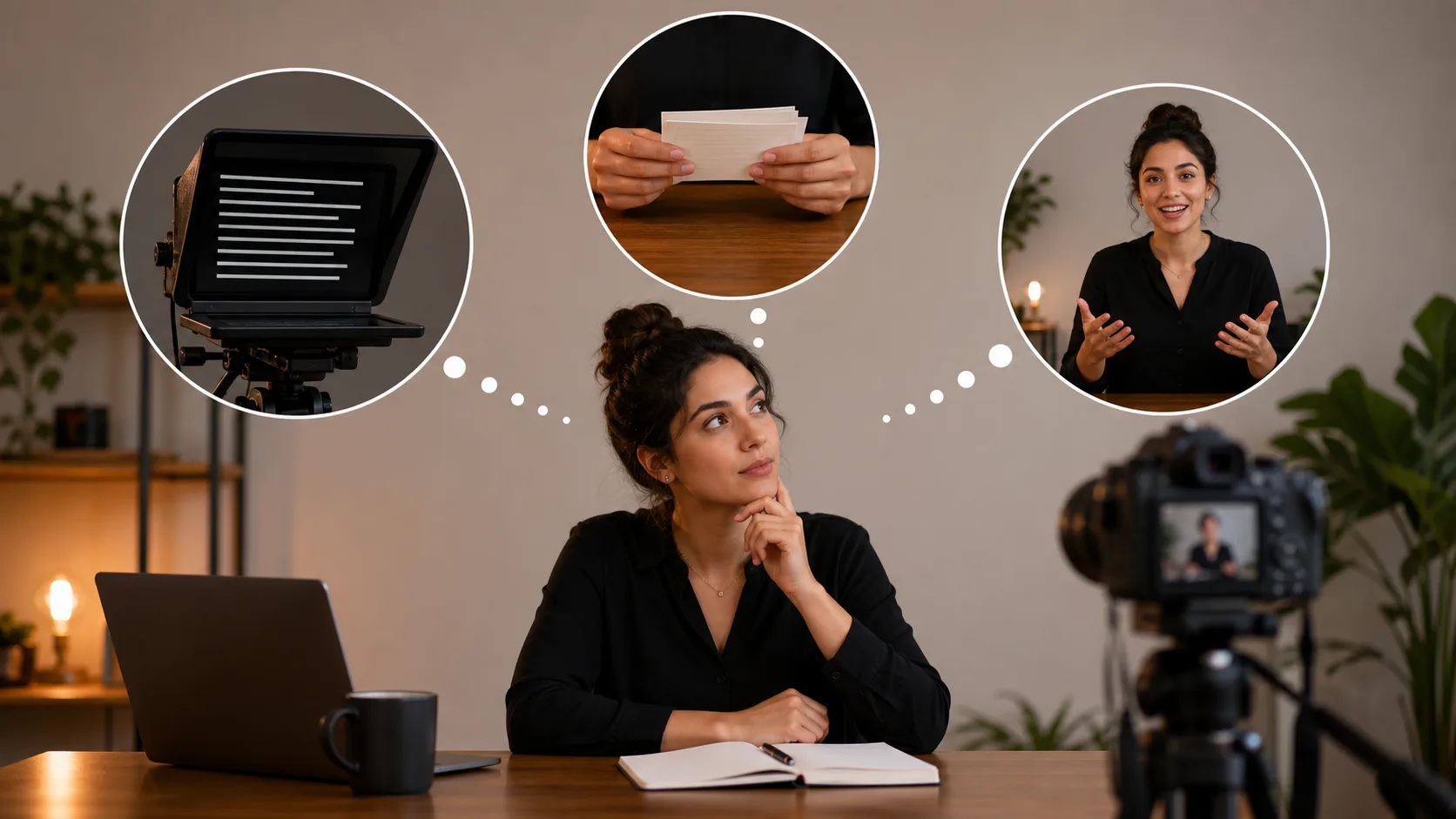
Should you use a teleprompter? Compare full scripts, bullet points, memorization, and off-the-cuff delivery to choose the right method for your video.
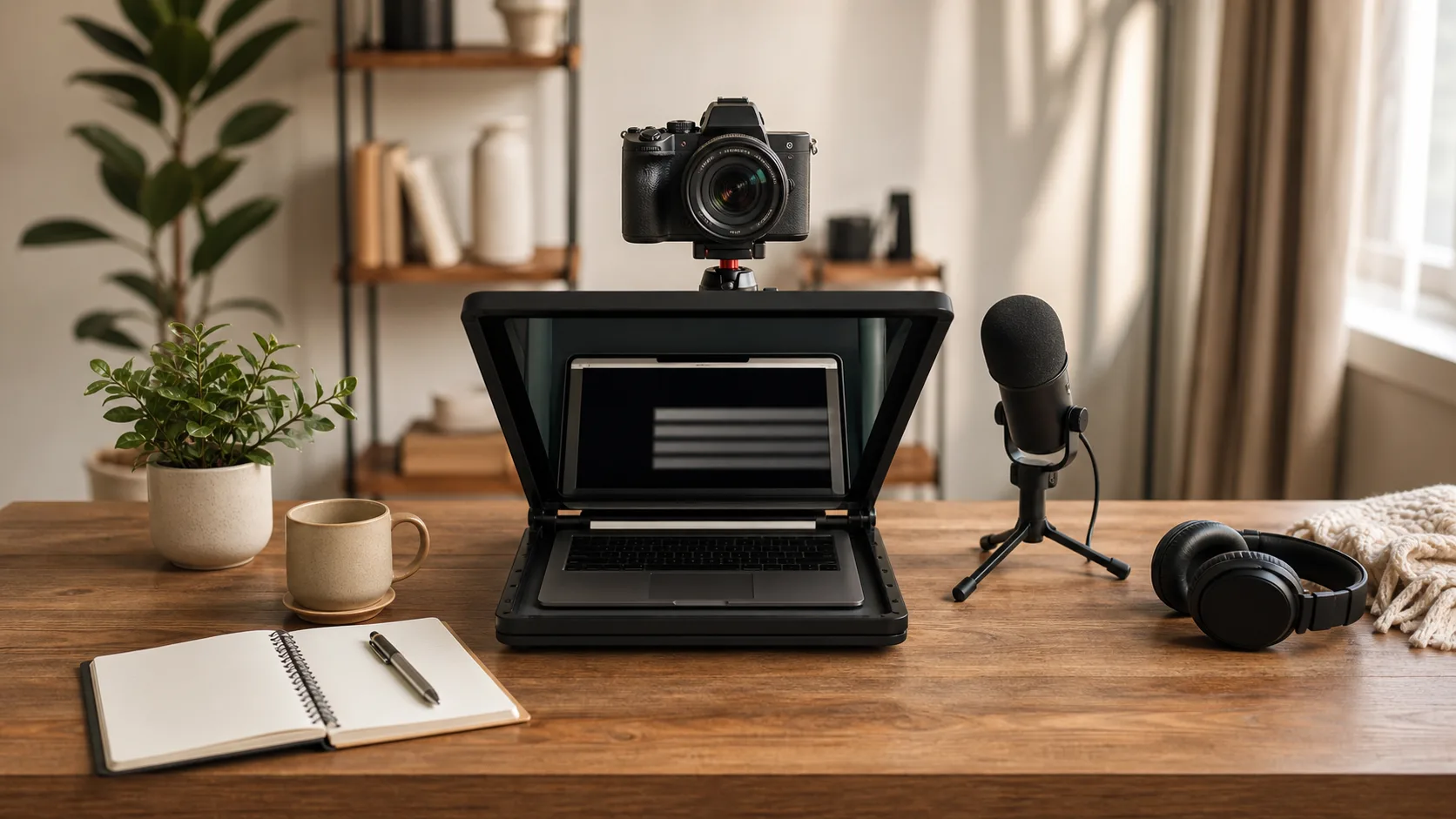
Browse practical teleprompter guides for choosing a workflow, writing scripts, setting up your camera, reading naturally, and fixing common mistakes.
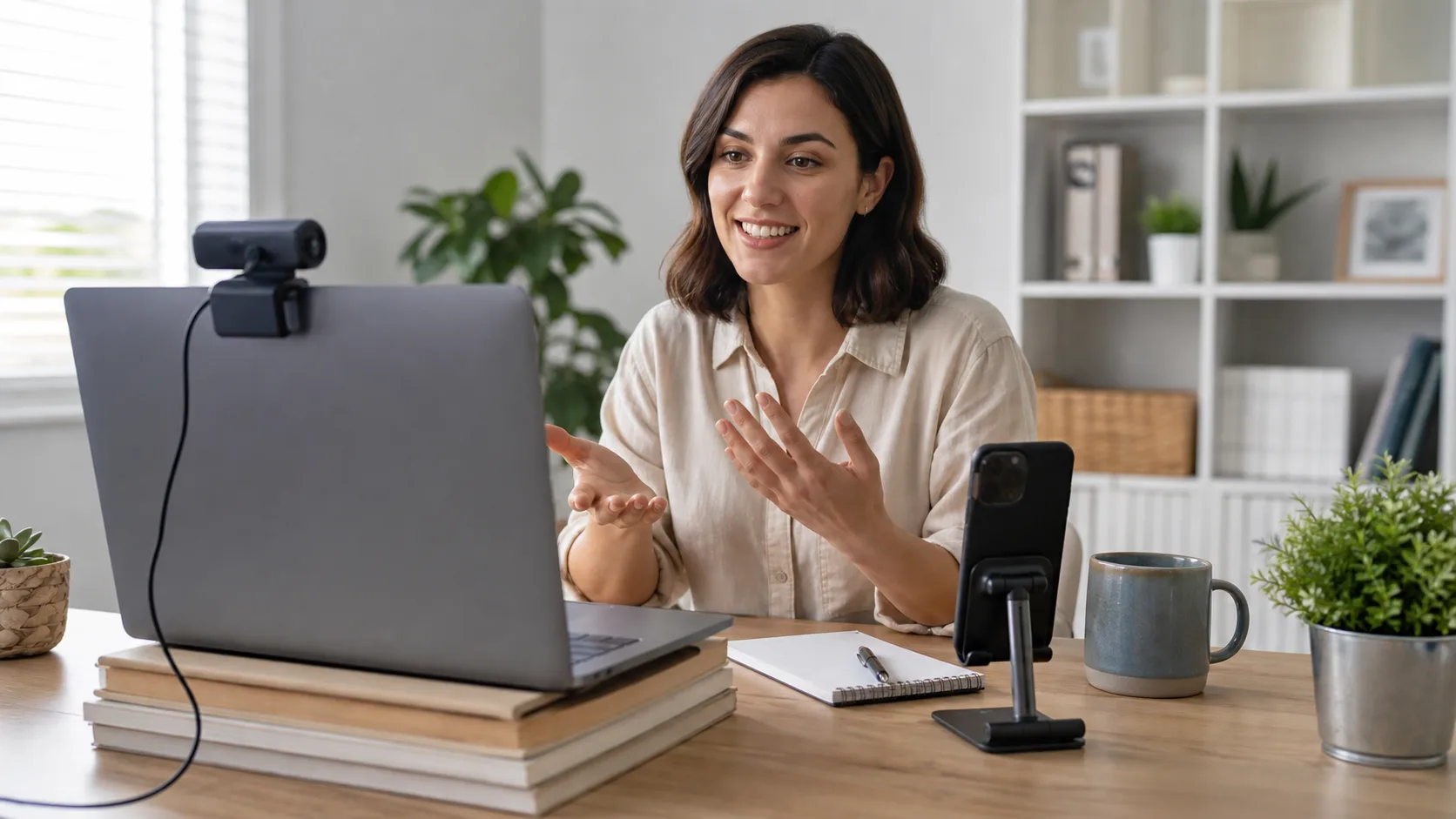
Set up a teleprompter without special hardware using a laptop, phone, tablet, or webcam, then improve eye line with practical placement and text settings.
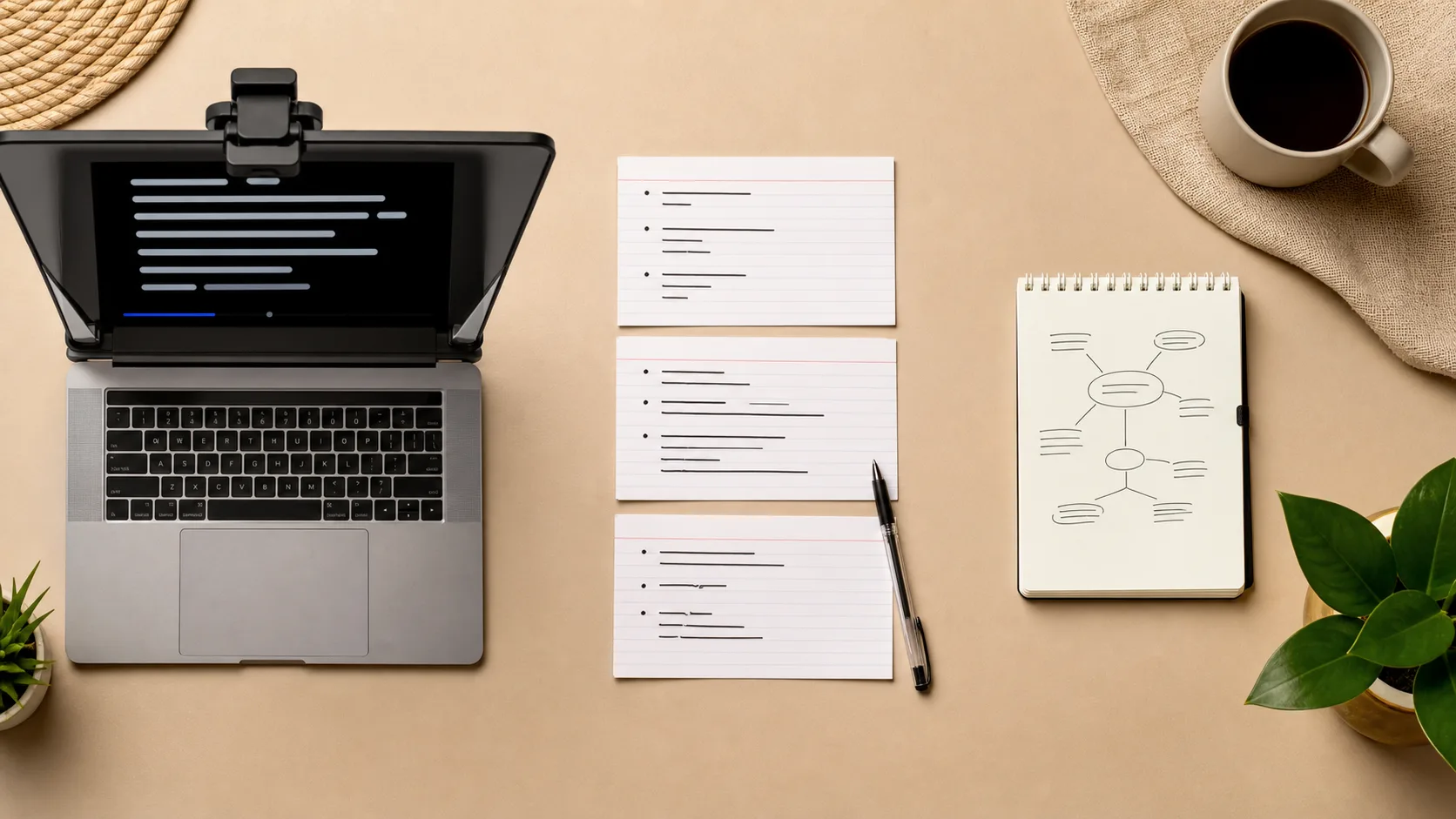
Compare teleprompter scripts, memorization, and bullet points by accuracy, flexibility, rehearsal time, and recording style to choose the best approach.
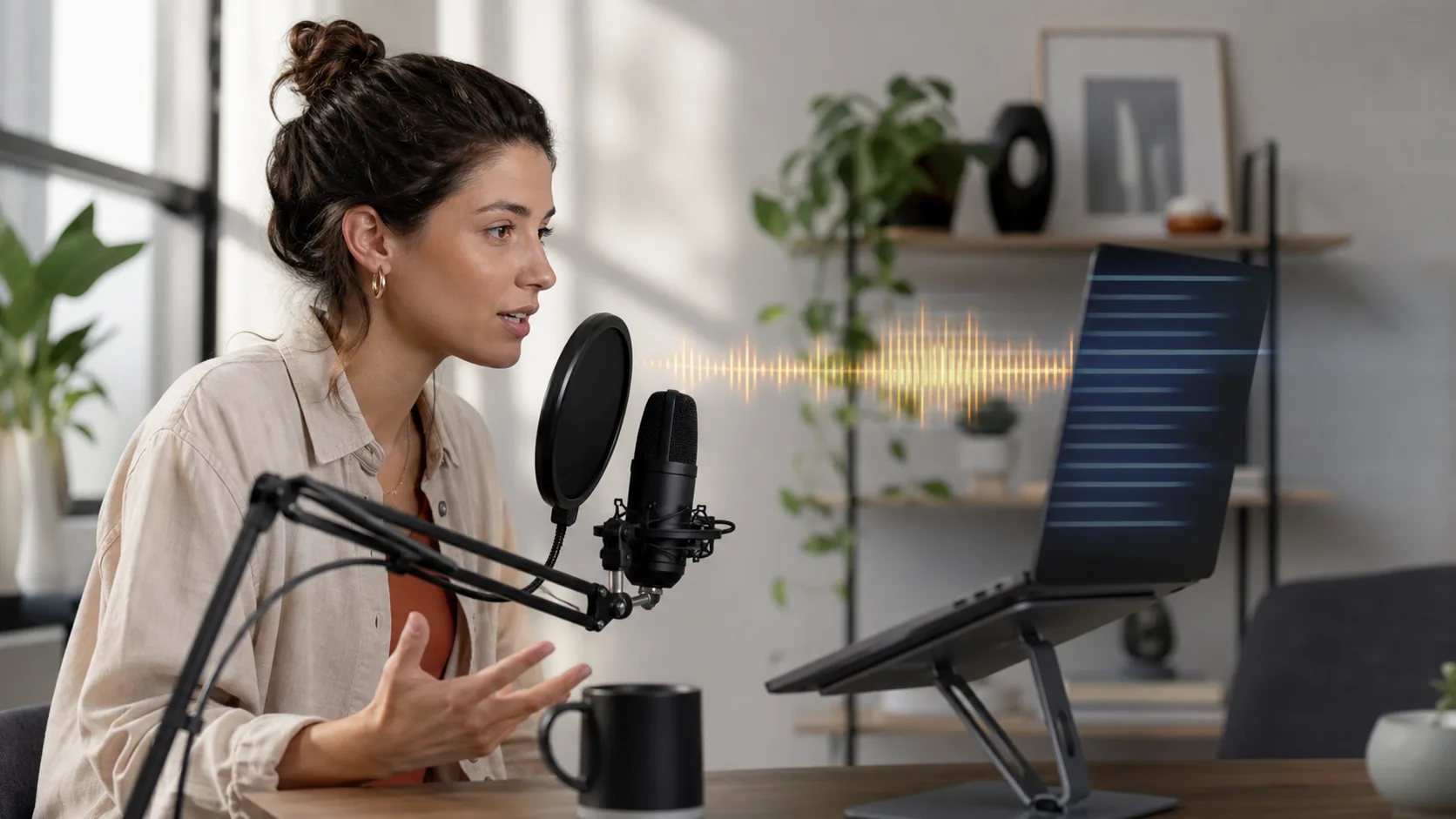
Compare voice scrolling and fixed-speed teleprompters for pauses, pace changes, noise, improvisation, and recording reliability before choosing a mode.
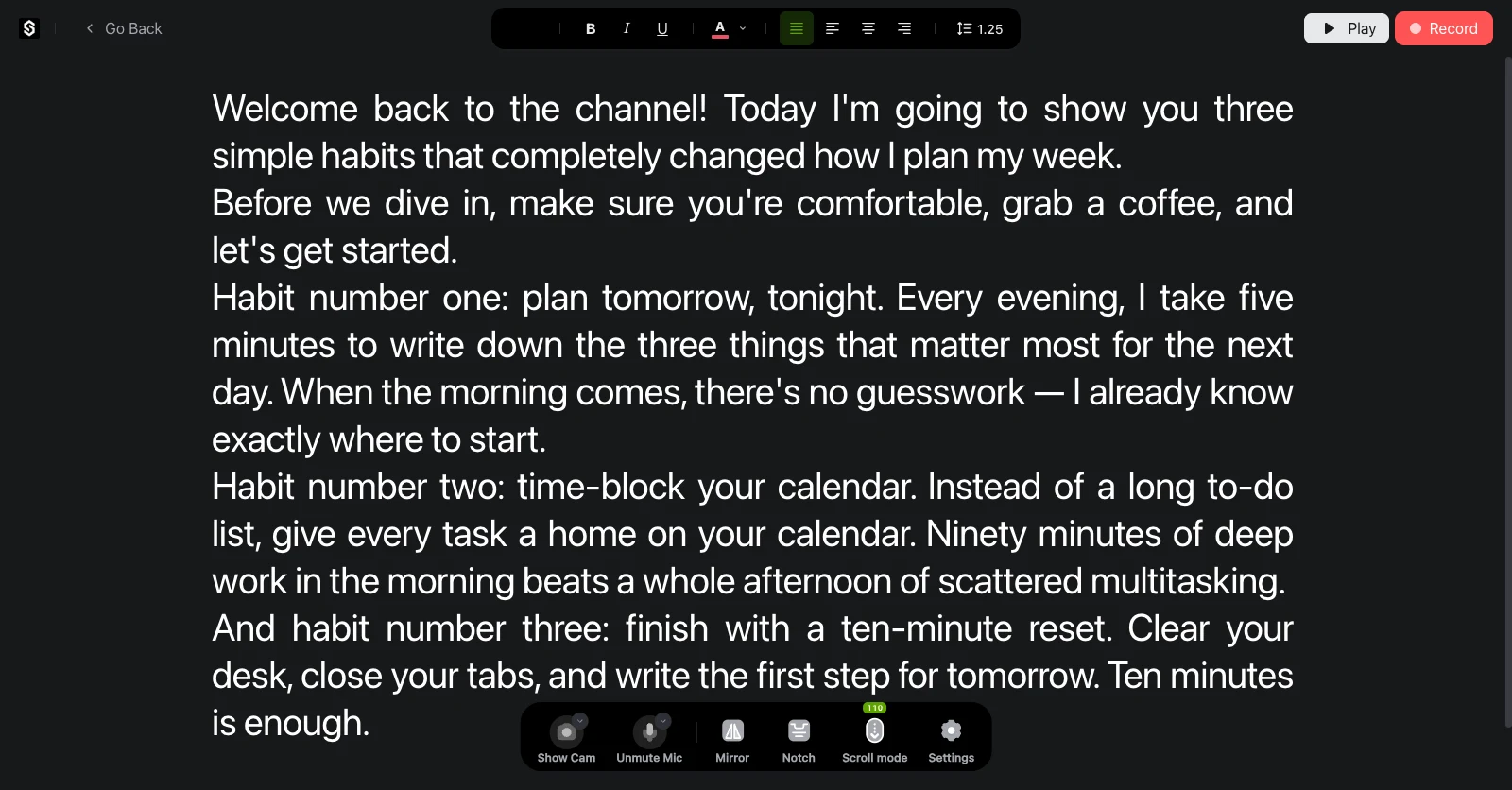
Explore SolPrompter's AI Voice Scroll, Notch Mode, remote control, 4K recording, desktop and mobile experience, privacy architecture, and performance considerations.