

Free Online Teleprompter
Automatically scrolls with your voice and anchors text near the camera lens to reduce eye movement. Scripts and recordings stay on your device.
Key Features
Designed for Natural Speaking
A complete browser-based workflow to write, read, and record without installing software.
AI Voice Scrolling
Automatically scrolls as you speak using native browser speech recognition.
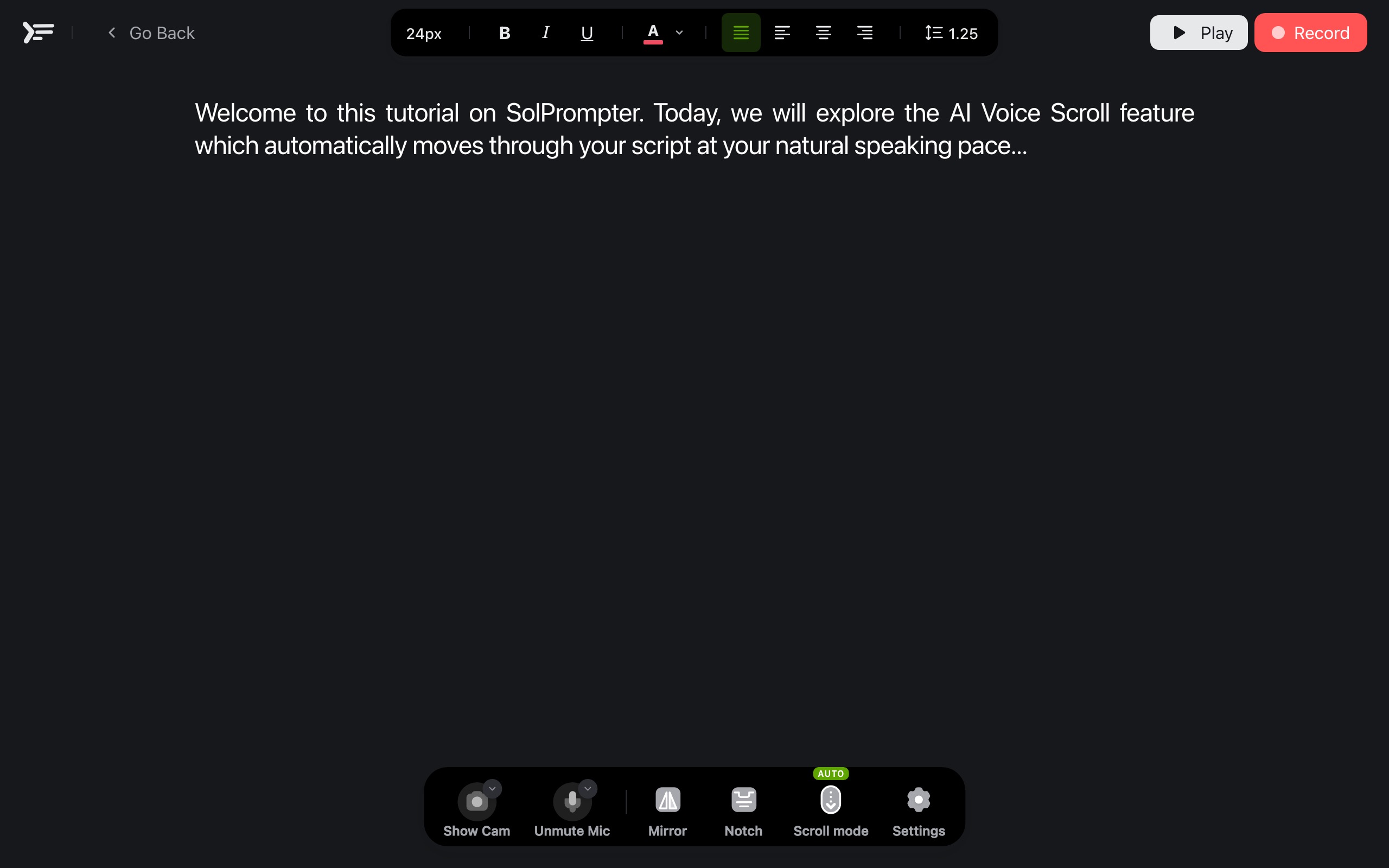
Notch Reading Mode
Anchors a narrow reading block directly under the camera lens to minimize eye movement.
QR Remote Control
Scan a QR code with your phone to pause, play, or adjust speed from across the room.
In-Browser 4K Recording
Record high-resolution videos while reading, saving directly to your computer.
Optimized for Tablets
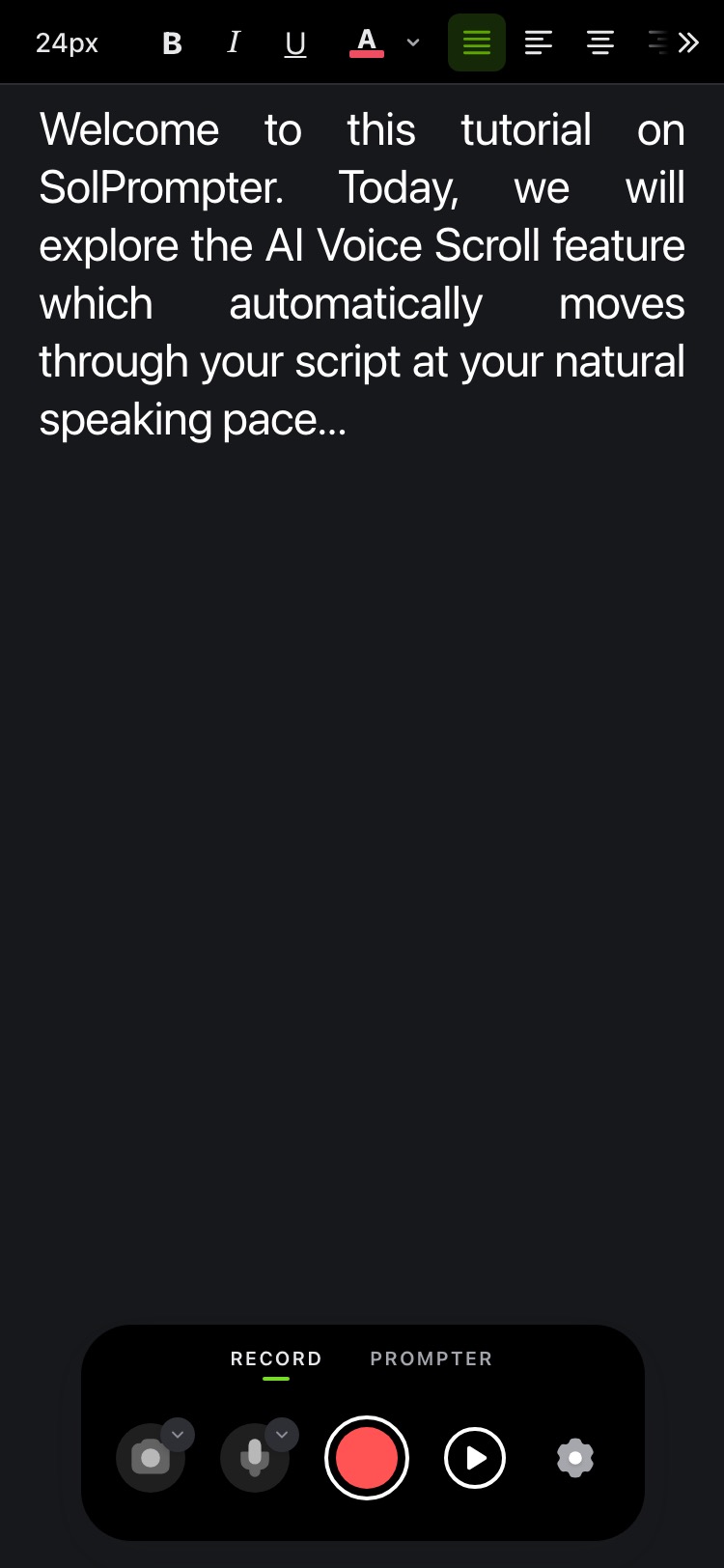
A responsive layout adapts the reading area, navigation, and controls to portrait or landscape screens for a focused, app-like experience.
No Watermarks
Export clean, unbranded video recordings with zero limitations.
Voice Sync
AI Voice Scroll Teleprompter
Scroll at the speed of your voice
If you speak faster, you lose your place. If you pause, the script keeps moving. This makes presentations feel rigid and stressful.
SolPrompter listens and advances the script as you read, adjusting to changes in your speaking pace.
Voice recognition follows your delivery and advances the script as you speak, responding whenever your pace changes.
- Speak naturally
Read at your own pace without feeling rushed or sounding robotic.
- Pause when you need to
Take a breath, emphasize an idea, or pause between sections without losing your place.
- Stay focused
The active lines are kept exactly at the center of your eye level.
- Minimize retakes
Avoid mistakes caused by a script scrolling too fast or too slow.
Prefer traditional scrolling? Manual and fixed-speed controls are always available.
No, SolPrompter is a free teleprompter with no signup required. You can paste your video script or speech script and start prompting instantly.
Professional Rig Setup
Notch Mode for Natural Eye Contact
Optimize your camera angles by placing lines directly beneath your lens and syncing a phone for remote adjustments to maintain natural camera eye contact.
- • Limit line width to 50-70 characters to prevent side-to-side scanning.
- • Anchor the text directly underneath the camera lens.
- • Customize the viewport height to show only the lines you need.
- • Maintain a direct, natural eye connection with your audience.
Perfect for talking-head videos, video calls, remote interviews, and online lessons.
Scan a QR to control from any device
Connect a phone or tablet with a QR code and a paired WebSocket session. Control your presentation without installing another application.
- Play & pause script
Start or freeze the teleprompter discreetly while presenting.
- Adjust speed
Fine-tune the scroll speed directly from your phone's screen.
- Navigate script
Jump forward, backward, or skip to other sections instantly.
- Trigger recording
Start and stop camera recording from across the room.
An essential workflow for solo creators, corporate presenters, and stage speakers.
Yes! SolPrompter works as a mobile teleprompter or iPad prompter. You can also scan the QR code to use your phone as a wireless remote control for the teleprompter running on your iPad, tablet, or laptop.

Recording & Privacy
In-Browser 4K Recording & Local Script Privacy
Capture video in the browser while keeping scripts and recordings in local browser storage on your device.
- Live Camera Preview
Preview and check your framing and alignment before recording.
- Record Full HD & 4K
Record high-resolution videos directly inside the browser on desktop (1080p on iOS).
- Zero Watermarks
Your exported video files are unbranded and free from any watermark.
- Recording Library
Keep all your recorded takes organized and tied to their respective scripts.
Yes! SolPrompter features high-quality browser video recording (up to 4K resolution on supported desktops and 1080p on iOS devices) with zero watermarks. Your recorded clips are stored locally on your device for maximum privacy.
Your scripts stay private
Your scripts and recordings stay on your device, so you can work with sensitive content without sending it to SolPrompter.
- Write and edit scripts
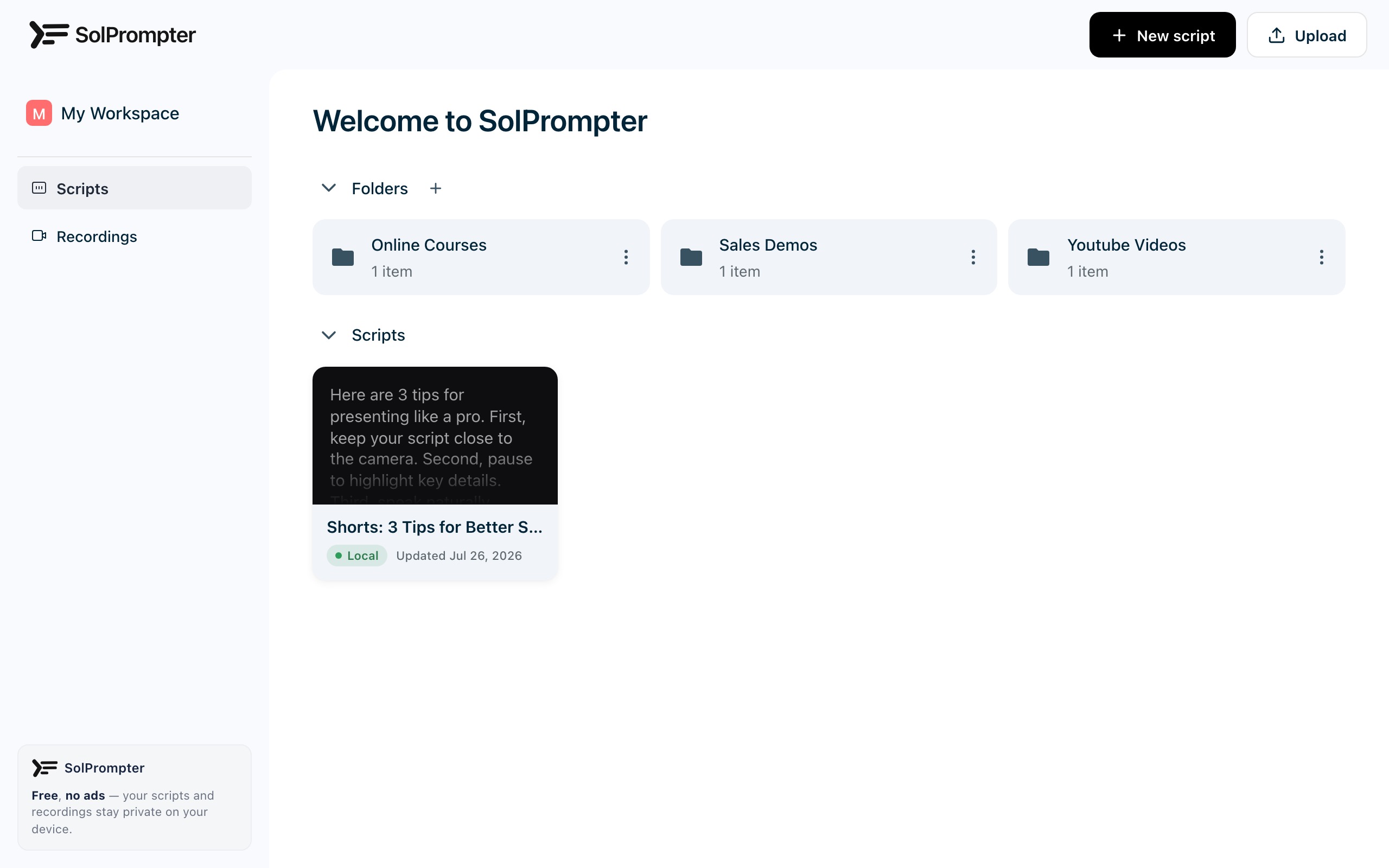
Create new drafts or edit existing ones directly inside the tool.
- Fast file importing
Upload TXT, DOCX, or Markdown files directly instead of copy-pasting.
- Unlimited scripts
Store as many scripts as your browser's local database allows.
- Instant reuse
Open past scripts, update details, and record new takes in seconds.
Yes! You can easily import TXT, Markdown, and DOCX documents directly into your local workspace. The scripts are processed locally in your browser and are never uploaded to any server.
Workflow
Simple and Instant
Prepare your script and start presenting or recording in just a few steps.
Input script
Paste your text directly or upload a document from your device.
Choose scroll mode
Set a fixed automatic speed, use voice sync, or scroll manually.
Customize view
Adjust font sizes, line heights, and margins for reading comfort.
Start presenting
Open the teleprompter, connect a remote if needed, and start speaking.
Use Cases
Who is SolPrompter for?
Content Creators
Record TikToks, Shorts, and Reels without having to memorize your lines.
YouTubers
Deliver tutorials, explainers, and reviews with a natural and fluent speaking style.
Podcasters
Read intros, sponsor readouts, and key talking points while recording audio.
Teachers & Educators
Present structured, clear, and professional lectures for online courses.
Business Professionals
Deliver corporate presentations, sales demos, and training material.
Public Speakers
Practice speeches, adjust pacing, and build confidence in front of a camera.
Journalists & Newsreaders
Read scripts smoothly while maintaining a continuous connection with the lens.
Remote Teams
Use notch mode to present slides, report status, and lead video calls.
Comparison
A Complete Browser Teleprompter
Use voice, fixed-speed, or manual scrolling; control the prompt remotely; and record from one browser-based workspace.
Why Creators Choose SolPrompter
Free voice-activated scrolling
Voice-activated scrolling is available without signup or payment and uses speech recognition supplied by your browser.
Your data stays on your machine
Scripts and recordings stay in local browser storage. Depending on browser support, voice recognition may run on-device or use the browser provider's recognition service.
No signup or setup required
No accounts, no onboarding questions. Just visit the site, paste your script, and start presenting instantly.
From writing your first script to recording the final video, SolPrompter provides all the tools in one browser window.
About
Making online reading feel like a natural conversation
SolPrompter was built to help speakers present confidently without memorizing long texts or fidgeting with scroll speeds.
We focus on creating a minimal online teleprompter that combines speech-aligned scrolling, ergonomic design, and simple video recording.
Whether you are shooting on a phone, recording from a laptop, or managing a studio, SolPrompter keeps you focused on your audience.
Built for the Real World
Fast, Private, and Ready to Perform
See how SolPrompter keeps scripts on your device, follows spoken words, and runs directly in the browser without downloads or complicated setup.
Why We Built SolPrompter
We built SolPrompter to make voice scrolling, flexible reading controls, and watermark-free recording available in a free browser tool with no signup required.
Why It Runs in Your Browser
SolPrompter works directly in your browser, so you can use voice scrolling and record video without downloading additional software.
Privacy by Default
Your scripts and recordings remain on your device instead of being uploaded to SolPrompter, giving you direct control over sensitive content.
Performance with documented limits
Voice recognition accuracy and response time vary with the browser, language, microphone, background noise, and reading style.
FAQ
Frequently Asked Questions
How do I avoid looking like I am reading and maintain eye contact?
Activate SolPrompter's Notch Mode to position your script directly below the lens. A narrower reading column reduces visible side-to-side scanning, but the result still depends on your screen size, camera position, and reading distance.
Why choose SolPrompter over an App Store application?
SolPrompter works directly on the web, requires no download, and does not put watermarks on your video exports. It is a practical option when you want to paste a script and start without installing or creating an account.
Will the remote disconnect when my phone locks or goes to sleep?
SolPrompter's remote uses a persistent WebSocket session with a heartbeat to detect connection loss. Actual latency and behavior while a phone is locked depend on the devices, browser power-saving rules, and network quality.
Can I use SolPrompter with a physical glass beamsplitter rig?
Yes, toggle "Mirror Mode" in SolPrompter's settings to flip the text horizontally. To maximize reading contrast, switch the interface to dark mode (white text on a pure black background) to eliminate double reflections.
Are my scripts and corporate drafts secure?
Your scripts and recordings remain on your device while you work. SolPrompter does not upload that content to its servers. Voice recognition may still use an on-device engine or a recognition service supplied by your browser.
Why does the reflected text on my glass look blurry?
Double-reflections (ghosting) happen on normal glass. Use professional beamsplitter glass and lower screen brightness. A professional 70/30 glass has an anti-reflective coating on one side. Draping the back of the glass with a dark cloth is also necessary to prevent light leaks.
Can I run the teleprompter offline?
The teleprompter workspace can continue after the page has loaded, but voice sync availability depends on your browser's recognition mode. Use fixed-speed or manual scrolling when an offline speech-recognition engine is unavailable.
How do I determine the right font size for my reading distance?
Increase the font size as your reading distance grows, then test it at the exact camera position before recording. For close laptop reading, use a narrower text column to reduce visible side-to-side scanning.
Start Speaking
Present naturally with SolPrompter
Enter your script, configure your display settings, and record your video today.
Free, ad-free, watermark-free.